Adobe XD to HTML
Adobe XD to HTML conversion for agencies and teams with approved XD files ready for front-end development. Webpop Design hand-codes responsive HTML, CSS and JavaScript layouts with semantic markup, responsive behaviour, JavaScript interactions, cross-browser testing and mobile usability.
View Our Work Get a Quote
From XD Design to Working Front-End Code That Performs.
An Adobe XD file can look finished, but still needs front-end development to work as a real website. Our XD to HTML conversion service turns approved layouts into responsive HTML, CSS and JavaScript, with content, usable navigation, working forms and calls to action across desktop, tablet and mobile.
Weak XD to HTML conversion shows in the details: rigid desktop layouts, messy code, poor mobile spacing, inconsistent breakpoints, unclear form states or bloated CSS. Weak code costs you later, when someone has to maintain a page built from unreadable markup. That is why our front-end development starts with hand-written structure a team can extend.
We keep the design accurate while making the finished HTML practical to use, test and hand over. Because bespoke WordPress and WooCommerce builds are core parts of our work, we code the front end the way a CMS needs it, with sections built to repeat cleanly and markup that can drop into editable fields, not a static page someone must unpick.
Start Your Project
Getting Your XD File Ready for Development.
An Adobe XD file can show the approved design clearly, but a strong HTML conversion service depends on the detail behind the screens. Breakpoints, typography, spacing, grids, image exports, icons, forms, menus, interactive states and developer notes all affect how accurately the design can be translated into working front-end code across devices.
Useful inputs include desktop and mobile layouts, tablet notes, brand fonts, SVG icons, image assets, button states, form validation messages, hover effects, animations and navigation rules. We review these early because the gaps are often predictable. An XD screen rarely shows the empty state of a search, the error state of a form, what a hover effect should do on a touchscreen or how a fixed-width table behaves at 360px. These details decide whether the coded page holds up once real content and real users reach it.
Your XD file does not need to answer every technical question before work begins. We review the file, flag what is missing and make the front-end decisions the screens leave open, based on how the design is likely to be used. Where a menu, form behaviour or breakpoint is undefined, we choose the option that keeps the journey working and note it back to you, so nothing changes silently. If the design needs to become a fully editable website rather than static HTML, our Adobe XD to WordPress service may fit better.
Our Adobe XD to HTML Conversion Process.
Our Adobe XD to HTML process keeps the design accurate, responsive and practical from review to delivery.

XD File Review
Before coding begins, we review the XD file, page states, assets, fonts and notes in detail, including where the file goes quiet. This confirms what is supplied, what needs interpretation and how the finished HTML, CSS, JavaScript and assets should be organised for delivery, review, hosting, testing, documentation or developer handover.

Front-End Planning
The front-end structure is planned before writing code, including breakpoints, reusable sections, spacing rules, navigation behaviour and interaction requirements, marking which sections should repeat as components. This turns the static design into a practical build plan, so desktop, tablet and mobile layouts hold together from the start.

HTML, CSS & JavaScript
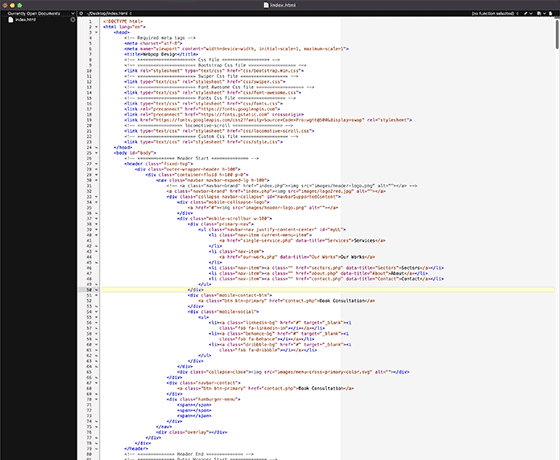
We hand-code the layout using HTML, CSS and JavaScript rather than relying on automated exports, favouring the lightest code that does the job. The focus is semantic markup, organised styles, class naming and lightweight code that preserves the XD design while staying easy for developers to review, maintain and extend.

Responsive Refinement
Responsive behaviour is refined across every screen size as part of the build, including the in-between widths XD files often skip. Spacing, typography, menus, images, forms, buttons and content flow are adjusted so the HTML works properly on real devices while staying close to the approved Adobe XD design across each key breakpoint.

Browser Testing
Browser testing covers modern browsers and common device widths, checking layout consistency, interactions, forms, image scaling and performance issues on real devices, not just emulators. This helps catch small front-end problems before the code is reviewed, hosted, approved or passed to another developer.

Handoff & Delivery
Final HTML, CSS, JavaScript and assets are prepared in a clean, organised structure another developer can read. Reusable sections, sensible file naming and practical notes make the code easy to review, test, host or pass to another development team without the usual handover headaches or unclear ownership.
Turning XD Designs Into Reliable Front-End Code.
A strong Adobe XD to HTML build keeps the approved design intact while making it work properly in real browsers. Copying the layout is only the start of it. We handle responsive breakpoints, content flow, menus, buttons, forms, image assets and browser differences without losing design quality.
The decisions that decide a build are usually small and rarely in the file. How a long heading wraps on a narrow screen, what a form does between submit and confirmation, where a card row breaks when the content is longer than the design assumed. We make those calls from how the page will actually be used, then keep the class naming and section structure consistent so the same patterns behave the same way wherever they appear. That is what stops a build drifting once more content goes in.
It also makes the code easier to test, maintain and hand over. Clear structure, SEO-friendly headings, performance-conscious assets, Core Web Vitals awareness and modern browser testing reduce layout issues, improve mobile usability and give you a front-end build that matches the approved Adobe XD design across real devices.
Featured Website Projects.
Relevant work showing responsive layouts, structured front-end development, clean implementation and maintainable builds.
Ecommerce Website with Advanced Search
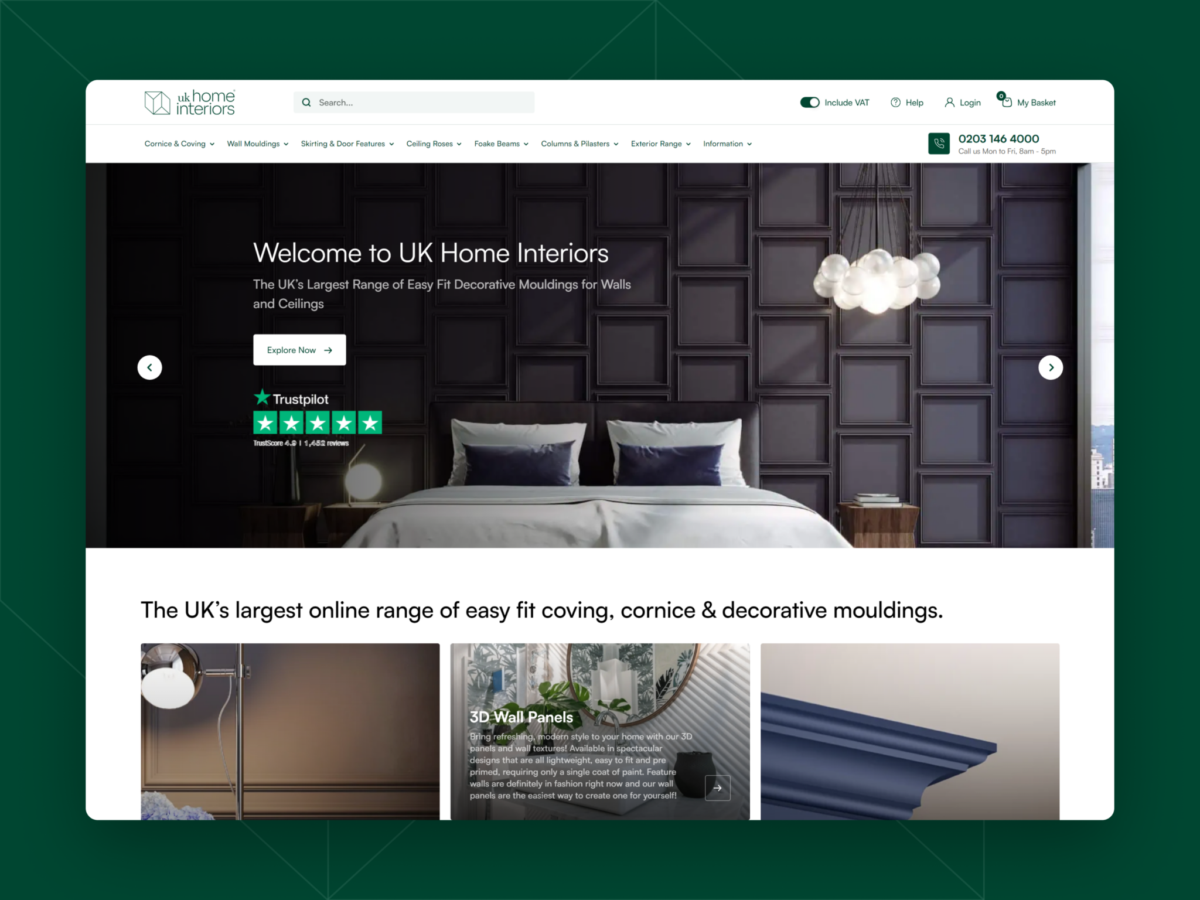
For UK Home Interiors, we built a retail website with intelligent search, third-party logic and a clearer buying journey for customers.
Energy Website with Flexible Page Builder Structure
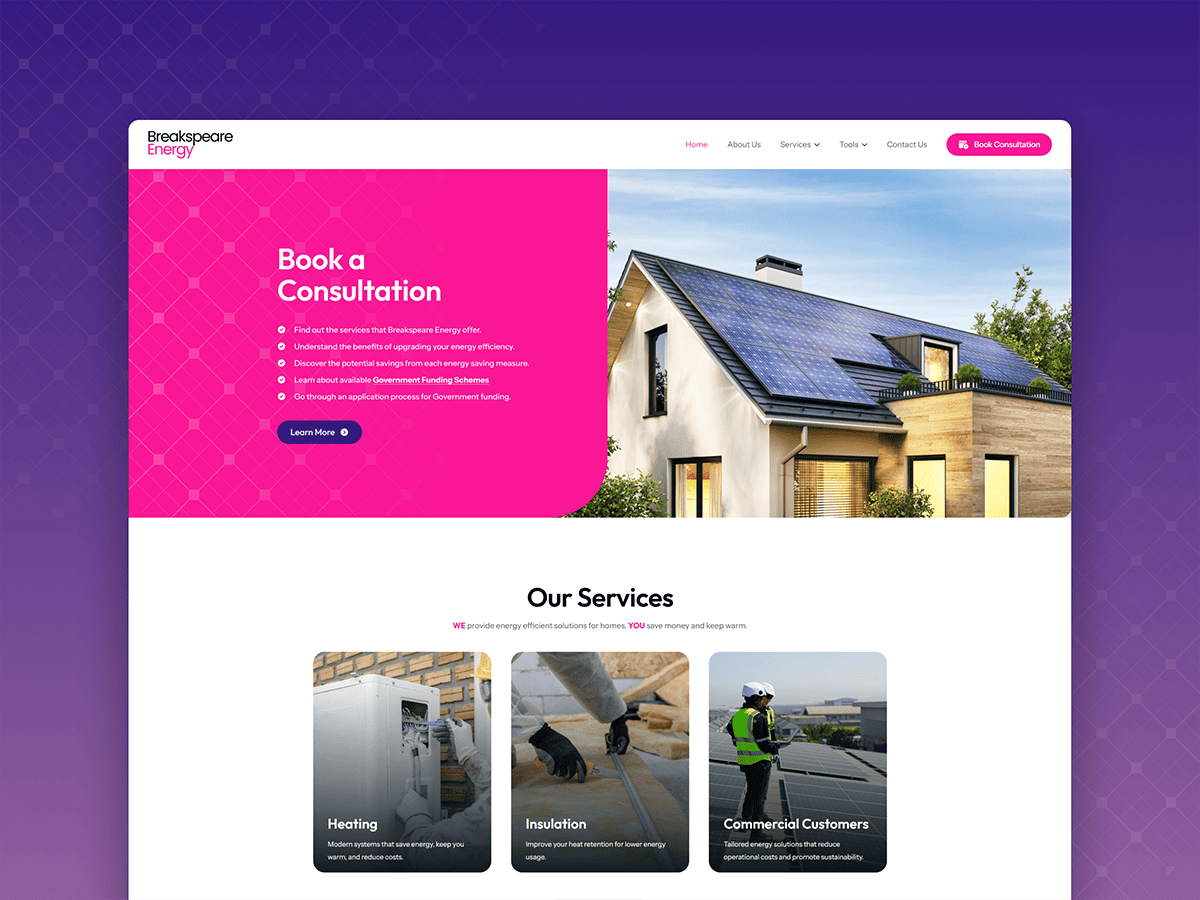
We helped Breakspeare Energy launch its online brand, with a flexible page structure designed for clear content management and updates.

Tour Website with Integrated Booking Functionality
We built a clear tour website for Roman Food Tour, with flexible layouts, structured tour content and an integrated booking system.

Food Manufacturer Website with Trade Enquiry Flow
We improved the site structure with clearer navigation, stronger packaging presentation and a more streamlined enquiry flow for trade leads.
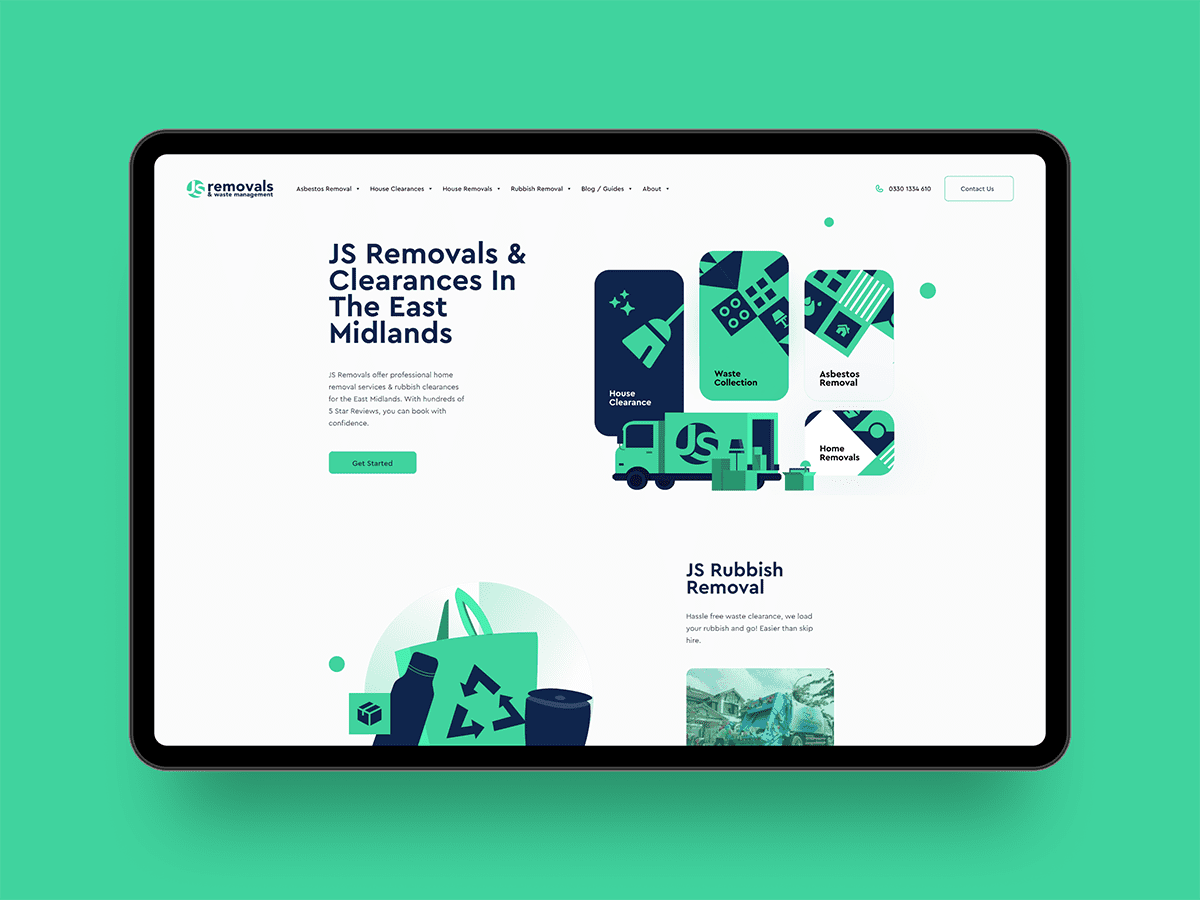
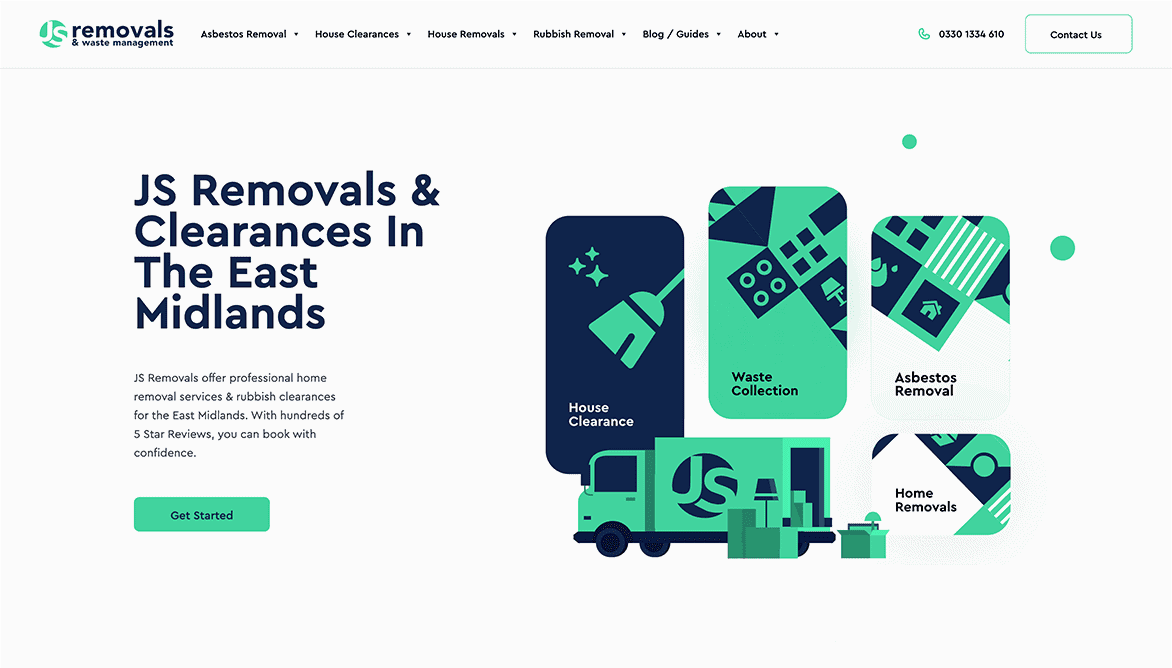
Removals Website Developed from Designs
JS Removals provides home removals, house clearance and waste removals. We redeveloped their website from supplied designs into a more usable site.
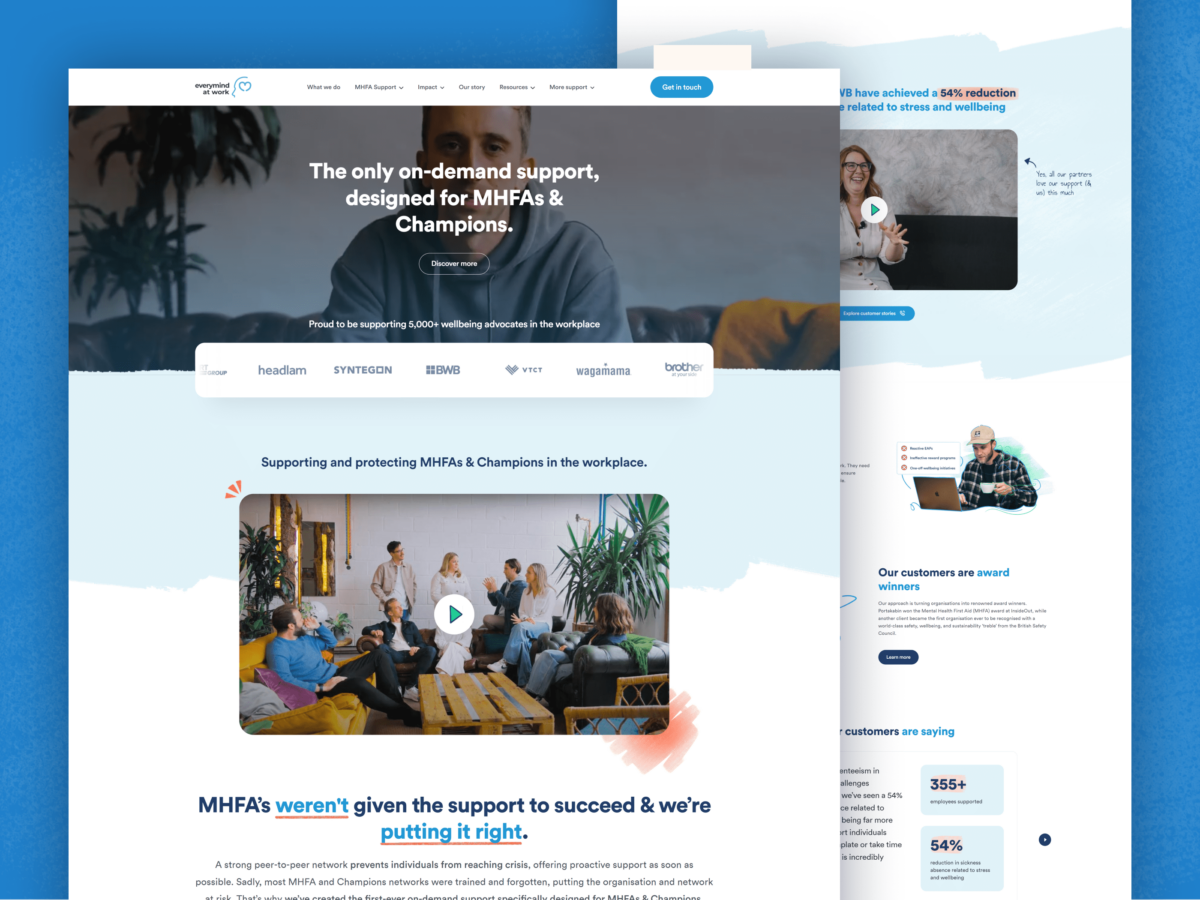
Mental Health Platform with HubSpot Integration
For Everymind at Work, we improved performance, created flexible page templates and integrated the site with HubSpot CRM.
Recognition & Credentials.
Featured across respected web design and development industry platforms.












Client Feedback From Website Development Projects.
Client feedback on custom website builds, responsive layouts, clean code and reliable delivery.

Tim Marshall
Allegiant Finance

Emma Griffiths
Synchtank

Emily De Jesus
LS Tractor USA

Alan Harder
Tango Financial

Dan Garner
Xibo
Need Your Adobe XD Design Turned into Clean, Responsive HTML Code?
Send us your approved Adobe XD files and we can turn the design into clean HTML, CSS and JavaScript. You receive structured front-end code that preserves the layout, works across devices and is ready for handover.
Request a ProposalFrequently Asked Questions.
Answers to common questions before starting an Adobe XD to HTML project with Webpop Design.



Can Adobe XD be converted to HTML?
Yes. Adobe XD designs can be converted into HTML, CSS and JavaScript, but the quality depends on how the front end is built. Webpop Design hand-codes the layout so the finished pages are responsive, structured, browser-tested and easier for developers to review, host or build on after handover.
Does Adobe XD export production-ready HTML?
Adobe XD does not export production-ready HTML for a proper website on its own. Some plugins can generate code for prototypes or quick visual tests, but the output usually needs refinement. A manual build gives more control over structure, responsive behaviour, performance, accessibility-conscious markup and long-term maintainability.
Is manual XD to HTML better than using a plugin?
For live websites, manual XD to HTML conversion is usually the stronger option. Plugins can help with quick prototypes, but hand-coded HTML gives cleaner markup, better responsive control, lighter CSS, clearer JavaScript and fewer layout issues when the code is reviewed, hosted or passed to another team.
How long will Adobe XD to HTML conversion take?
A simple static page usually takes a few days, while a detailed multi-page build can take one to three weeks depending on layouts, interactions, forms and responsive requirements. Once the XD file has been reviewed, we can give a clearer timescale before development begins.
How much does Adobe XD to HTML cost?
Adobe XD to HTML conversion starts from around £1,200 for a small, well-prepared front-end build. The final cost depends on page count, responsive layouts, forms, JavaScript interactions, animations, asset preparation and handover requirements. We review the XD file first so the quote matches the work involved.
Can you make the HTML responsive?
Yes. Responsive behaviour is a key part of the conversion process. We code layouts so they work across desktop, tablet and mobile, with accurate spacing, typography, image handling, menus, buttons and forms. The aim is to preserve the XD design while making it usable on real devices.
Do you need mobile designs in the XD file?
Mobile designs are helpful, but they are not always essential. If the XD file only includes desktop screens, Webpop Design can interpret the design and make sensible responsive decisions. Notes on layout priorities, navigation behaviour, content order and key calls to action are especially useful.
Can the HTML be used in a wider website build?
Yes, the finished HTML can be used as a front-end base for a wider website build when that is part of the scope. This service focuses on clean HTML, CSS and JavaScript. A fully editable CMS or WordPress site would usually be planned separately.
Can you add JavaScript interactions?
Yes. We can code practical JavaScript interactions such as menus, accordions, tabs, sliders, form feedback, hover behaviour and simple animations. The focus is on keeping interactions clear, lightweight and reliable, rather than adding unnecessary effects that slow the page down or make the code harder to maintain.
What do you need before starting?
We usually need the Adobe XD file, desktop layouts, any mobile designs, fonts, brand assets, exported images, SVG icons and notes on interactions, forms, menus or animations. If anything is missing, Webpop Design can review the file first and confirm what needs clarifying before development starts.