Adobe XD to WordPress
Your approved Adobe XD file sets the design, but the build decides whether it holds up. We convert that design into WordPress with close attention to spacing, responsive behaviour, editable areas and how each section should work after launch. You end up with a build that protects the original layout and works properly across every screen size.
View Our Work Get a Quote
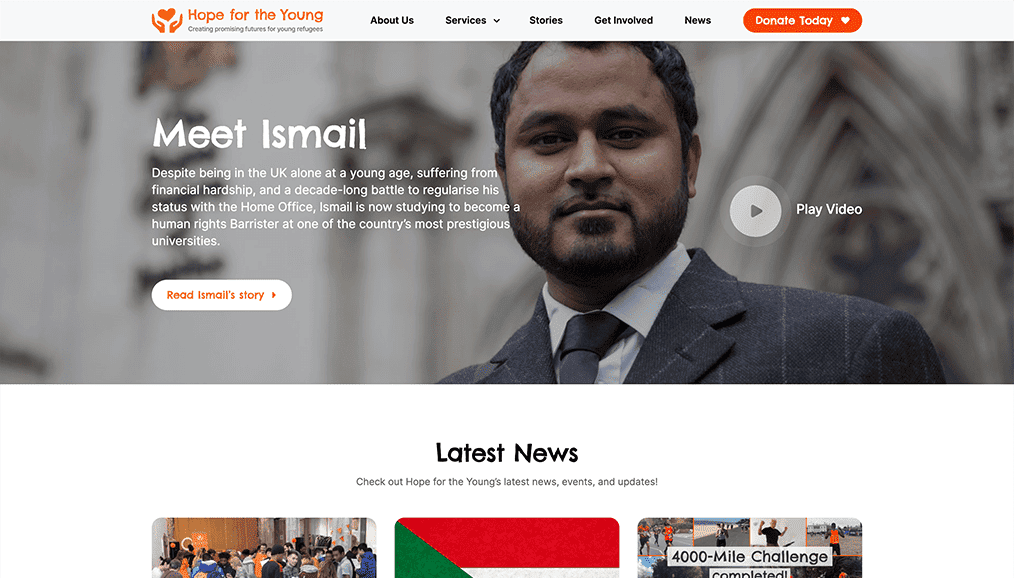
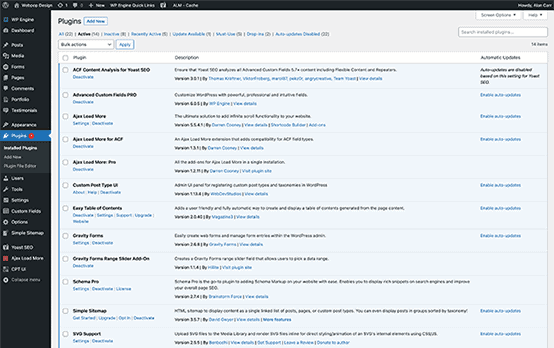
Converting Adobe XD Layouts Into Pixel-Perfect WordPress Pages.
An Adobe XD file gives the site its visual direction, but the service is about how accurately that design is rebuilt in WordPress. We take the approved layouts, spacing, typography and components, then develop them into a live site that stays close to the original XD file.
We plan each section around real screen sizes, editable content areas and how users interact once the page is live. Where the project needs more flexibility, we can handle the XD layouts through a custom theme build with ACF flexible content fields, so the site follows the approved design instead of a rigid template.
The finished build keeps the clarity of the XD file while adding the structure needed behind the scenes: responsive layouts, practical editing, clean page sections, well-structured forms and a stable foundation that can support the site beyond launch.
Start Your Project
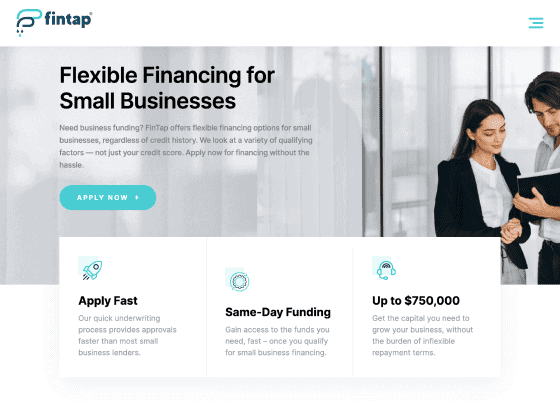
Making Approved XD Screens Work for Real Users.
An approved XD design still has to work once real visitors are using the live site. The layout may be agreed in the file, but visitors still need to read clearly, follow the journey, use the navigation, complete forms and understand what to do next without the design getting in their way. Our Adobe XD to WordPress service makes the design usable across every screen, however large or small the visitor’s device. For projects that only need front-end templates before CMS integration, our XD to HTML service may be the better route.
That is where our XD to WordPress decisions matter. Most files reach us with a desktop and one mobile view, so tablet sizes, hover and focus states, error messages and long-content cases need to be handled properly. We settle those details early, making sure buttons have clear destinations, forms give useful feedback and content sections have room for the real copy that replaces the placeholder text.
Editors need the same attention behind the scenes. A strong Adobe XD to WordPress conversion gives them safe ways to update copy, replace images, add sections, adjust calls to action and publish new pages without pulling the layout apart. The site should still look properly designed long after the handover is complete, because it will keep changing for years after the original XD file has been approved.
Adobe XD to WordPress Conversion Process.
We take the approved XD design and work through the details needed to turn static layouts into a clear, responsive and editable build.

XD File Review & Handover
We begin by reviewing the Adobe XD file in detail, including layouts, components, typography, spacing, imagery, buttons, forms and breakpoints. This helps us understand how the design should behave once it leaves the static file, where extra decisions are needed and how closely the WordPress version should follow each layout.

Structure & Page Planning
Before conversion begins, we map the XD layouts into practical page sections, templates and reusable blocks. This defines how each screen should be structured, which areas need editing control, where repeated patterns can be reused and how the site should stay consistent as new content is added later.

Responsive Behaviour
Adobe XD files often show fixed screen sizes, but the finished site has to work across real devices. We plan how sections stack, resize and reflow between desktop, tablet and mobile, keeping the same design direction intact while making sure layouts hold up at the in-between sizes XD files rarely cover.

Conversion
We create the approved XD design into WordPress with close attention to spacing, hierarchy, content areas and component behaviour. The layout is not recreated loosely; the finished build stays close to the XD file once live, with the same visual rhythm carried through into the real pages.

Editing Setup & Content Control
Once the main layouts are converted, we set up controlled editing options for the sections that need to change after launch. This can include headings, images, text blocks, calls to action, forms, reusable sections and page patterns, giving editors practical flexibility while protecting the original XD design.

Review, Launch & Handover
Before launch, we check the converted pages against the XD layouts across key screen sizes and browsers. We review spacing, mobile behaviour, forms, editing controls and visual consistency, then hand over a site your team can manage confidently without pulling the approved XD design apart.
Protecting the Visual Decisions in Your XD File.
An Adobe XD design sets the visual standard, but our conversion service decides whether that design works beyond the file. A file is drawn at fixed widths, so chasing it pixel for pixel can break a live site once real content arrives. We protect the approved look while adding the practical structure a live WordPress site needs to keep working.
This means thinking beyond pixel-perfect replication alone. A page builder can copy an XD layout but often ships heavy, brittle markup that slows the site. A custom theme with ACF can reproduce the design accurately while giving editors clean, safe content blocks. It is where the XD file becomes part of our tried and tested WordPress design process and stops being a flat layout dropped onto a page without context.
Done well, this keeps the approved design decisions intact while heading off the problems that appear later: awkward mobile layouts, fiddly editing, inconsistent sections, weak page structure and rebuild work caused by shortcuts. We deliver a WordPress version that follows the XD file closely, supports search visibility and gives the site room to grow beyond the original screens without limiting future page creation.
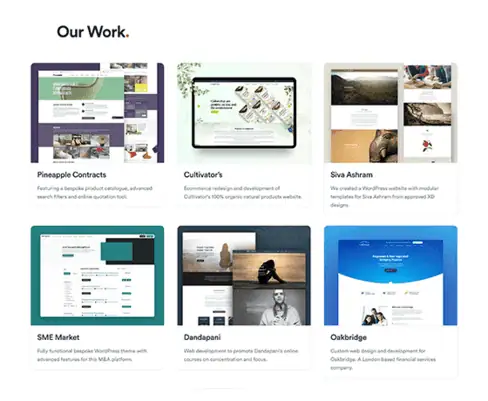
Featured Website Projects.
Selected projects showing how design, content and functionality can carry through into practical WordPress builds.

Design Direction Replicated in WordPress
Performance marketing agency site showcasing services, client proof and a flexible content hub with podcasts, reports, articles and resources.
Finance Website Layouts Converted Into WordPress
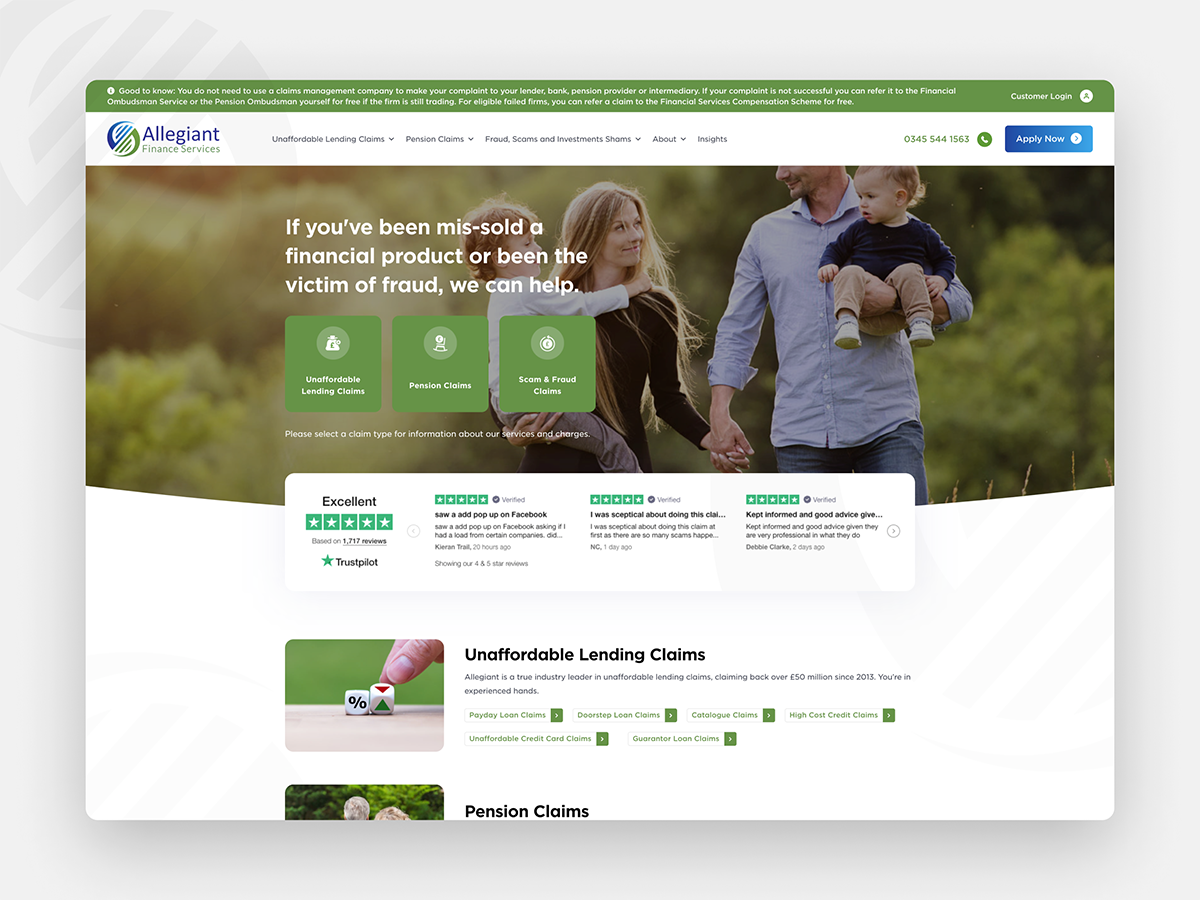
Custom site for Allegiant Finance Services, shaped around clearer content, trust signals and a more polished claims management journey.
Publishing Content Structured for Easier Editing
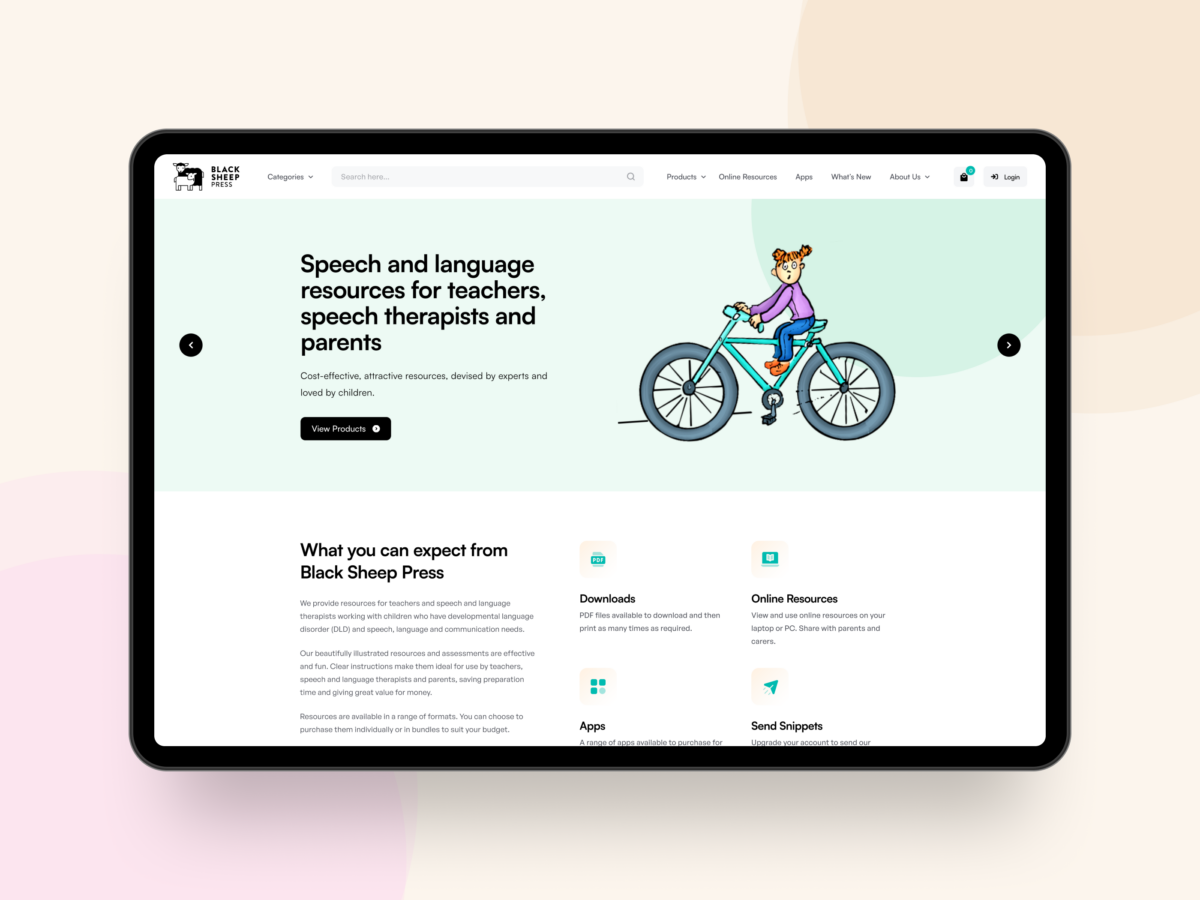
Educational publisher site with product content, downloadable resources and app information organised into a clearer editable structure.
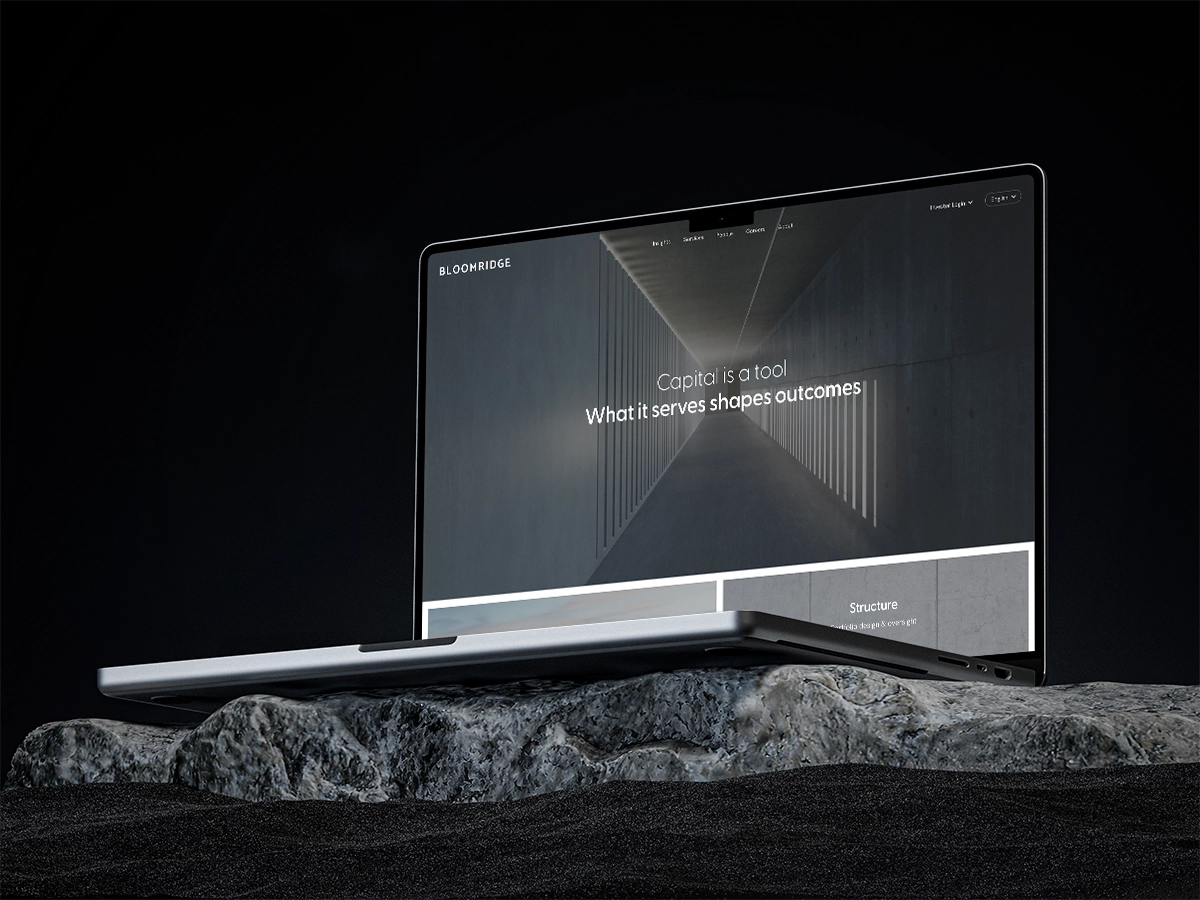
Clean Company Website with Sleek Layouts
Minimal company site centred around restrained layouts, clean visual presentation and a WordPress build that preserved the approved design feel.

Packaging Layouts Built for Trade Enquiries
Manufacturing site with clearer navigation, stronger packaging presentation and a more direct trade enquiry path.
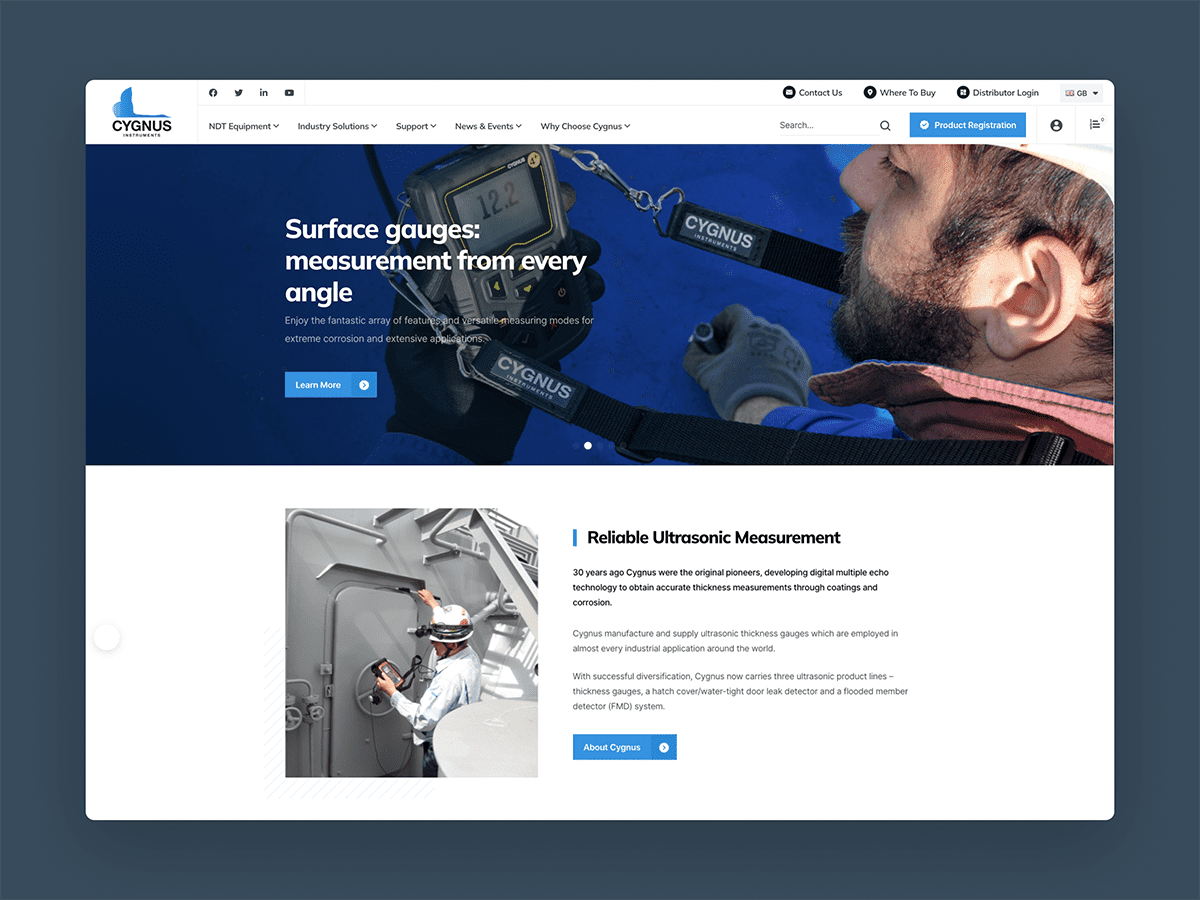
Technical Product Journeys Built with Clarity
Technical B2B site with product content, distributor access and quoting journeys brought into one structured experience.
Credentials & Recognition.
Recognised across respected web design, WordPress and digital industry platforms.










Client Feedback on Design-to-Build Projects.
Feedback from clients who trusted Webpop Design to turn approved designs into carefully built WordPress sites.

Tim Marshall
Allegiant Finance

Doug Atkinson
Solutions Review
Max Rybakov
Max Rybakov

Tim el Gammal
Beldiamond

Alan Harder
Tango Financial
Adobe XD to WordPress Website Tools, Software & Integrations.
An Adobe XD file may show a form, button, signup area or checkout step, but those elements still need the right setup after launch. We review the tools already in use, including analytics, CRM platforms, email software and form systems, before the build begins.
We plan Adobe XD to WordPress projects around the systems your team already uses, without promising every integration as standard before discovery. Contact forms, CRM-ready enquiries, newsletter signups, booking processes, payment journeys, downloads and tracking through tools such as Google Analytics, Tag Manager, Microsoft Clarity, HubSpot, Salesforce, Mailchimp, Campaign Monitor, Gravity Forms or WooCommerce all need proper scoping before conversion.













Ready to Turn Your Approved Adobe XD Design Into a Responsive WordPress Site?
If your XD layouts are approved and ready to move forward, Webpop Design can turn them into a responsive, editable build that stays close to the design and works properly beyond launch. Start a conversation about your Adobe XD to WordPress project.
Request a ProposalFrequently Asked Questions.
Answers to the most popular questions about converting Adobe XD designs into WordPress with Webpop Design before your project.


How do you convert Adobe XD designs into WordPress?
We review the XD file, identify the required layouts, components, breakpoints and editable areas, then convert the approved design into a working WordPress build. The focus is on accurate replication where practical, while making the finished pages responsive, structured and manageable after handover.
Can Adobe XD export directly to WordPress?
Adobe XD cannot export a complete, production-ready WordPress site on its own. The file provides the visual layouts, assets and design direction, but WordPress still needs structure, templates, responsive behaviour, editing controls, forms and launch preparation during a managed conversion.
Will the finished site match my Adobe XD design?
We aim to follow the approved XD design closely, with sensible decisions for real browsers, content and screen sizes. Some details may need adapting for responsive layouts, real content, accessibility-conscious behaviour or technical practicality, but the agreed XD direction stays central throughout the process.
How much can Adobe XD to WordPress conversion cost?
Adobe XD to WordPress conversion usually starts from around £3,000–£5,000 for a smaller set of approved layouts. Larger projects with multiple templates, responsive views, forms, integrations, editing controls or migration work can range from £6,000–£15,000+, depending on scope.
How long can an XD to WordPress project take?
A straightforward Adobe XD to WordPress conversion usually takes around 2–4 weeks once the XD file, assets and content are ready. Larger builds with multiple templates, responsive layouts, forms, integrations or content migration are more likely to take 4–8+ weeks.
Do you use a custom theme or a page builder?
Where the XD design needs close control, we usually recommend a custom theme rather than forcing the layout into a rigid builder setup. That way, the WordPress version follows the XD design properly, with controlled editing options where content needs to change safely.
Will the Adobe XD design work properly on mobile?
Yes, but mobile behaviour needs planning as part of the conversion. XD files often include a fixed desktop layout and a mobile view, but the in-between screen sizes still need careful handling. Sections, navigation, forms, images and calls to action should reflow naturally across devices.
Can we edit the content after handover?
Yes. We plan the editing setup around the XD design, so headings, copy, images, calls to action, repeated sections and page areas can be updated safely after handover. This gives editors useful control without letting the approved layout fall apart.
Can you add forms, analytics and third-party tools?
Yes, where they are scoped as part of the project. Contact forms, enquiry routing, newsletter signups, analytics tracking, CRM-ready forms, downloads, booking flows and payment journeys can be planned around the XD layouts, with specific integrations confirmed before conversion.
What do you need from the Adobe XD file?
We usually need access to the XD file, exported assets where required, fonts, brand guidance, desktop and mobile layouts if available, notes on interactions, existing site details and any required forms or integrations. A cleaner handover makes it easier to protect the design during conversion.