
 Alan Carr
If you run a WooCommerce shop in the UK, your payment setup is not a background detail. It shapes conversion rate, cashflow, customer trust, refund friction, and how painful your operations become once you start doing real volume. The “best” payment plugin is rarely the single cheapest option on paper. It is usually whichever one takes payments without drama and keeps you trading when a processor has an off day.
For most UK stores, a sensible payment setup starts with a strong card processor that supports Apple Pay and Google Pay, then adds a trusted wallet option such as PayPal. From there, Pay by Bank, Direct Debit, BNPL or a merchant-account gateway may make sense depending on your basket size, margins, subscriptions, risk profile and customer behaviour.
If you are scaling fast, changing gateways or running a custom checkout, our WooCommerce developers can help you avoid the setup traps that quietly damage conversion, refunds, order statuses and recurring payments.
Best WooCommerce Payment Setup For UK Shops
- Most UK WooCommerce stores should start with Stripe or WooPayments for cards and wallets.
- PayPal is worth offering because customers look for it before buying from an unfamiliar brand.
- Pay by Bank can help with higher baskets, tighter margins and reduced chargeback exposure.
- Square is strongest for selling online and in person.
- GoCardless suits recurring payments, retainers and subscriptions where Direct Debit feels natural.
- Klarna can help with higher-consideration purchases, but should not be a default for every store.
- High-volume merchants may benefit from merchant accounts if savings outweigh setup.
Best Payment Setup For Most UK WooCommerce Shops
If you want a dependable setup that suits the majority of UK merchants, start with a primary card processor, add PayPal as a trust option, then consider Pay by Bank once you have a baseline of orders and understand your average order value, refund rate and customer preferences.
- Primary cards and wallets: Stripe for WooCommerce or WooPayments.
- Secondary trust option: PayPal Payments.
- Lower-fee alternative: Pay by Bank through an Open Banking provider.
- In-person and online sales: Square for POS and ecommerce in one system.
- Subscriptions or retainers: Direct Debit through GoCardless where it fits the buying journey.
- Higher-consideration purchases: Klarna or another BNPL option where spreading payments genuinely supports conversion.
The rest of this guide helps you choose the right plugin for your situation, avoid common UK setup traps, and build a checkout that converts without turning into a maintenance headache.
UK WooCommerce Payment Plugins: Comparison Table
| Plugin/gateway | Best for | Payment types | Typical fee | Standout |
|---|---|---|---|---|
| Stripe for WooCommerce | Most UK stores, scaling, subscriptions | Cards, Apple Pay, Google Pay, wallets | Percentage + fixed fee, depending on card type and region | Strong checkout UX and flexibility at scale |
| WooPayments | Simple WooCommerce admin workflow | Cards, wallets | Varies by payment method and customer location | Transactions, payouts and disputes inside WooCommerce |
| PayPal Payments | Trust, coverage, PayPal-preferring customers | PayPal wallet, cards depending on setup | Product-dependent fee tables | Familiar brand that can lift conversion |
| Square for WooCommerce | Omnichannel sales and POS | Cards, wallets via Square | Percentage + fixed fee online; card-present differs | One platform for POS, inventory and online payments |
| Wonderful Payments for WooCommerce | UK stores wanting Pay by Bank at checkout | Instant bank payments through Open Banking | Subscription-based pricing, depending on plan | Lower dispute exposure than cards |
| GoCardless for WooCommerce | Recurring revenue, memberships, retainers | Direct Debit | Plan-dependent | Strong for predictable recurring billing |
| Klarna Payments for WooCommerce | Higher-consideration purchases and BNPL | Pay later and instalment options | Provider and agreement-dependent | Can reduce purchase hesitation on selected products |
| UK merchant account gateways such as Opayo, Worldpay and Lloyds | High volume, negotiated rates, specific requirements | Cards, sometimes wallets depending on setup | Usually negotiated rates + gateway fees | More control and potential savings at scale |
Note: payment provider fees, supported features and plugin compatibility can change. Always check current pricing and supported methods for your exact business type, customer locations and WooCommerce setup before committing.
What To Check Before Choosing A UK WooCommerce Payment Gateway
Mobile Conversion And Express Pay On UK Traffic
In a lot of UK categories, most orders come in on a phone. That is where express pay earns its keep, because typing a card number by thumb is exactly where sales leak. If Apple Pay and Google Pay are easy to access on your checkout, customers type less, make fewer card-entry mistakes and abandon fewer baskets. The payment plugin you choose needs to support these wallets properly at the checkout level, with the buttons showing up where buyers expect them.
SCA And 3DS That Don’t Lose Sales
Strong Customer Authentication is normal in the UK. SCA will happen, so what counts is how smoothly your gateway runs it. Some gateways handle 3DS flows better than others, especially when you add subscriptions, saved cards, or unusual order patterns. If you sell higher-value items, you will usually see more authentication steps, so you want the least clunky flow possible.
Payout Speed, Cashflow And Risk Holds
Two providers can feel identical at launch and behave completely differently once you scale, run seasonal promotions, or introduce products with a higher refund rate. You want clear payout schedules, good dispute tooling, and enough transparency to understand why a payment failed or why funds were held. There is also resilience to think about. If your only payment method goes down or gets restricted, you are effectively shut for the day.
Real Fees: The Blended Cost Per Order
Your real payment cost is not a single percentage. It is a blend of domestic and international cards, fixed per-transaction fees, currency conversion, refunds, failed payments and disputes. Fixed fees hurt more on small baskets. Percentage fees dominate on larger baskets. A method that looks slightly more expensive can still be cheaper once you account for higher conversion, lower fraud, or fewer chargebacks.
Compatibility With WooCommerce Checkout And Extensions
Before you commit, sanity-check the real-world features you need: subscriptions, pre-orders, deposits, partial captures, tokenised payments, refunds from inside WooCommerce, checkout blocks, custom checkout fields, and compatibility with your theme. A gateway can be technically compatible but still awkward in day-to-day use.
Plugin Quality, Maintenance And Support
The gateway brand gets most of the attention, but the WooCommerce plugin wrapped around it does just as much of the work. Check whether the plugin is actively maintained, compatible with your WooCommerce version, and reliable with your checkout type. A payment method is only useful if the integration handles webhooks, failed payments, refunds and order statuses properly.
Best WooCommerce Payment Plugins In The UK
1
Stripe For WooCommerce For Cards, Wallets And Scaling
Stripe is the default recommendation for many UK WooCommerce stores because it tends to be low drama. It is quick to set up, handles modern authentication flows well, supports express wallets, and can scale from a first order to serious volume without forcing a platform change. It is also a strong choice if you want to run subscriptions, memberships, deposits, or any checkout flow that benefits from tokenised payments.
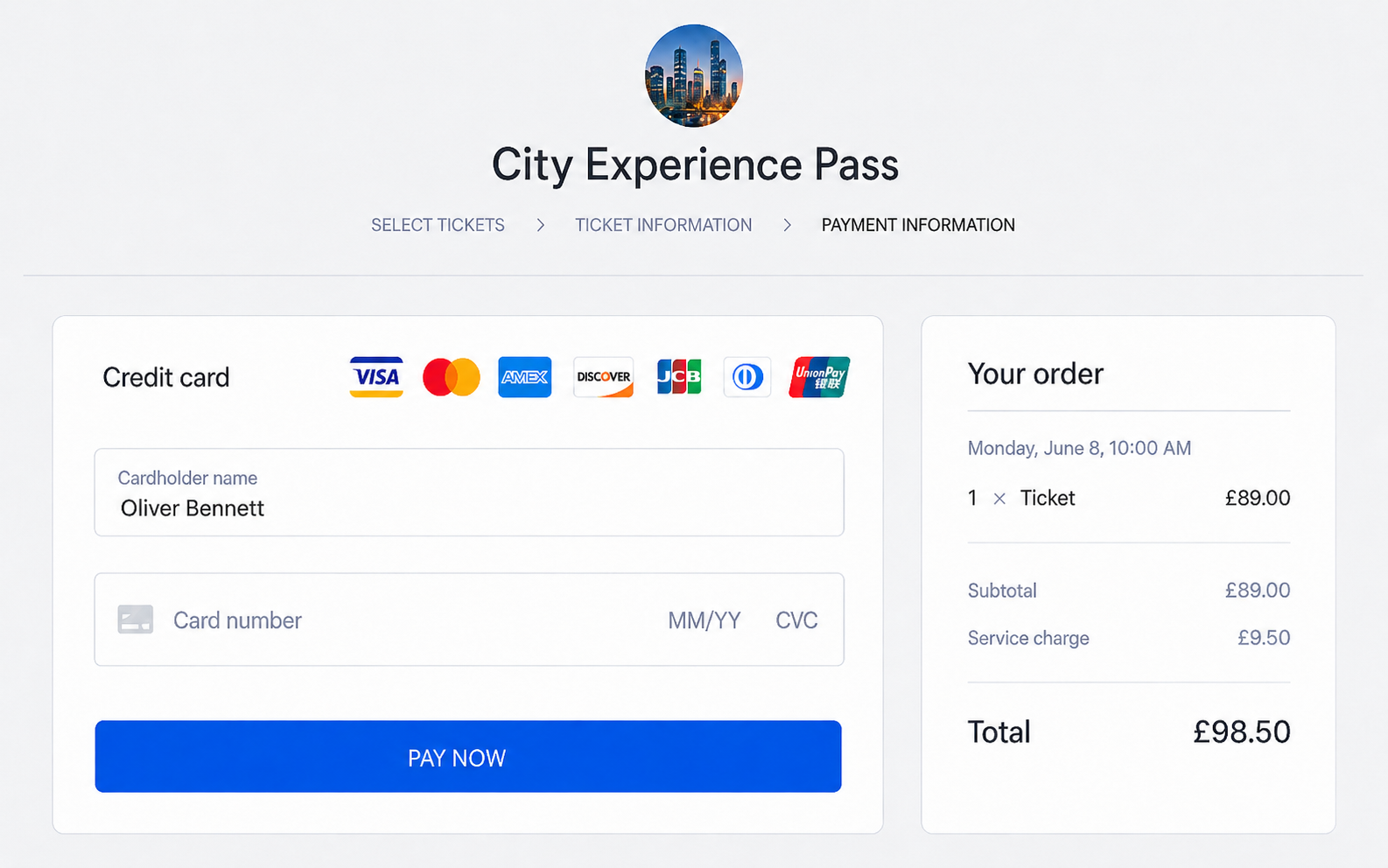
A clean WooCommerce card payment checkout can reduce friction and make the final payment step feel clearer.
Where Stripe is strongest
- Clean card flows with strong SCA and 3DS support.
- Apple Pay and Google Pay support that can materially lift mobile conversion.
- Good support for subscription-style billing and saved payment methods.
- Strong reporting, dispute tools and integrations with common WooCommerce extensions.
What to watch for
- If you sell internationally, expect higher costs on non-UK cards and currency conversion.
- If you are in a higher-risk category, plan for occasional holds and keep a backup method enabled.
- Stripe offers multiple integration styles, so choose the one that best suits your checkout and theme.
Practical UK advice: if your average order value is low, watch fixed fees. If your AOV is higher, focus on authentication success rate, chargeback rate and conversion by device. Headline percentage is the wrong thing to chase. Fewer failed authorisations and fewer support tickets usually beat a slightly lower rate.
2
WooPayments For A Woo-First Setup
WooPayments is compelling if your priority is keeping payment management inside WooCommerce. The admin experience can feel more unified because transactions, disputes and payouts sit inside the same dashboard your team already uses. For a small team, that simplicity earns its place: fewer logins to chase, and fewer “who owns this?” moments when a payment goes sideways.
Where WooPayments is strongest
- Native workflow inside WooCommerce for transaction management.
- Straightforward setup and day-to-day administration.
- Good fit when you want a Woo-first approach rather than a separate payments platform.
What to watch for
- Fees vary by country and method, so always verify current pricing for your scenario.
- If you have complex checkout needs or unusual payment flows, you may prefer a gateway with deeper customisation options.
- Keep an eye on compatibility if your checkout relies on several extensions or custom order workflows.
3
PayPal Payments For Trust And Coverage
PayPal is still one of the strongest trust levers you can add to a UK checkout. A percentage of customers actively look for it, especially on mobile or when buying from a brand they do not know well. Even when PayPal is not your primary processor, it often earns its place as a secondary option and as resilience if your card processor temporarily flags certain orders.
Where PayPal helps most
- Customers who do not want to type card details.
- Higher-consideration purchases where reassurance matters.
- Shoppers who have had poor experiences with unfamiliar card checkouts.
What to watch for
- PayPal pricing can be product-dependent, so make sure you understand which PayPal product your WooCommerce plugin is using.
- Keep refund and order status flows clean, otherwise support tickets creep up.
- Be careful with how PayPal buttons are displayed so they do not confuse the checkout journey.
4
Square For WooCommerce For POS And Online
The case for Square gets a lot stronger the moment you also sell in person. If you have a physical presence, the operational simplification can outweigh small fee differences. One platform can run your card machine, your online store payments, and sometimes inventory syncing too. For many UK businesses, that reduces reconciliation time and cuts “where did this payment come from?” confusion.
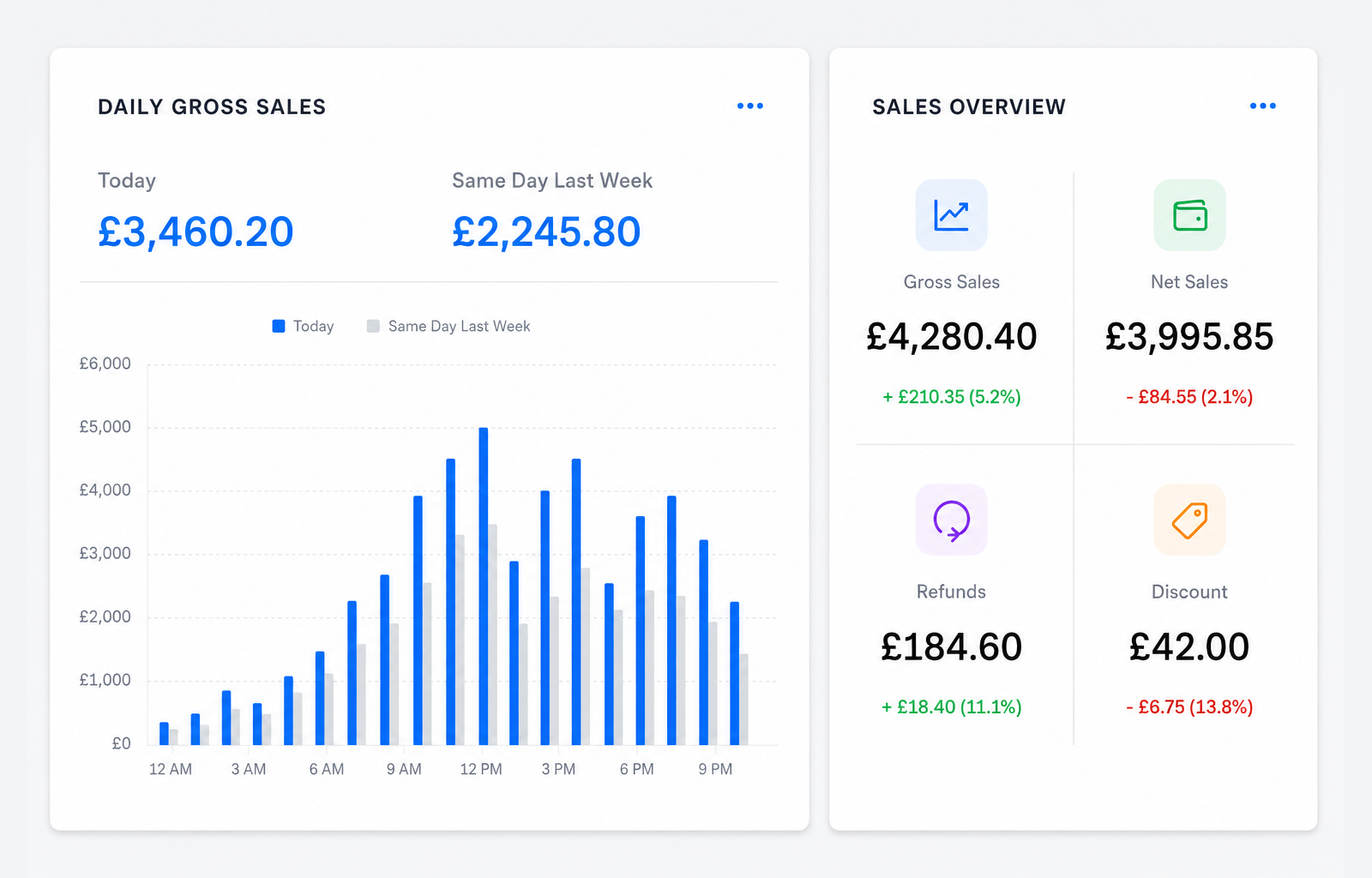
Square can suit WooCommerce stores that need online payments, POS reporting and in-person sales in one system.
Where Square is strongest
- Retail, studios, showrooms, clinics, pop-ups and businesses that sell both in person and online.
- Teams who want a unified POS and online payment system.
- Merchants who care about day-to-day simplicity and reconciliation.
What to watch for
- If you are purely online and heavily optimising checkout UX, you may prefer a platform with deeper checkout customisation tools.
- Inventory and catalogue syncing should be tested carefully before launch if you rely on accurate stock levels across channels.
5
Wonderful Pay By Bank For Lower Fees
Pay by Bank is worth serious attention in the UK. It can reduce payment costs and tends to reduce chargeback exposure compared with cards. It is not the right choice for every shopper or every product, but it can do real work as an extra method for merchants with higher baskets, tight margins, or high dispute costs.
Where Pay by Bank shines
- Higher average order value stores where card percentages add up quickly.
- Businesses affected by chargebacks, friendly fraud, or “item not received” disputes.
- Deposits, made-to-order goods, invoices and higher-trust service transactions.
What to watch for
- Some customers will always prefer cards, so Pay by Bank should usually be an additional option rather than your only option.
- Wording counts. “Pay by Bank” lands better than jargon-heavy labels that sound technical or unfamiliar.
- Presentation does the heavy lifting. A clear, well-labelled option gets used; an obscure or technical-looking one reads as risk.
6
GoCardless For Direct Debit Payments
If you sell subscriptions, memberships, retainers, or recurring services, Direct Debit can be a strong complement to card payments. Cards expire, get replaced, or get blocked. Direct Debit can reduce churn caused by failed payments, but it has a different feel for customers. It is usually a better fit for recurring commitments than impulse purchases.
Best fits for Direct Debit
- Monthly retainers and service subscriptions.
- Memberships and paid communities.
- Subscription boxes where customers expect an ongoing billing relationship.
What to watch for
- Direct Debit is not instant in the same way as cards, so align fulfilment timing to the payment method.
- Make cancellation and refund policies exceptionally clear to avoid disputes and complaints.
- Use Direct Debit where the payment method matches the customer relationship, not just because card payments sometimes fail.
7
Klarna For Buy Now, Pay Later
Klarna and other BNPL options can help when customers like the product but hesitate at the total order value. This can be useful for fashion, furniture, jewellery, equipment, premium products and other higher-consideration purchases. On the right products it can lift conversion. Add it to every checkout by default, though, and it adds clutter and can make a premium brand look cheaper than it is.
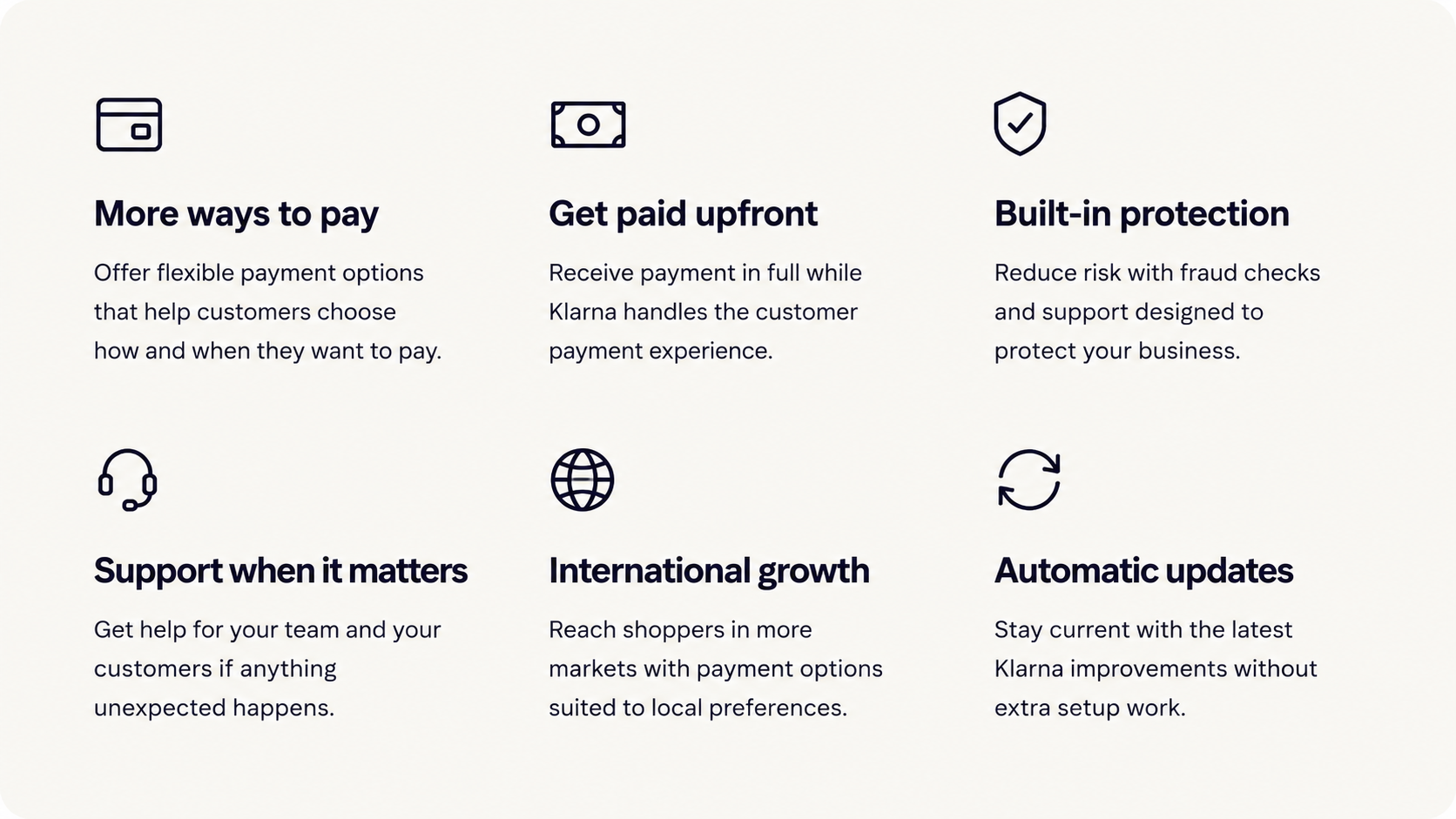
Klarna can support higher-consideration purchases by giving customers more flexible payment options at checkout.
Where BNPL can help
- Higher basket purchases where spreading the cost may reduce hesitation.
- Product categories where customers already expect pay-later options.
- Stores with strong margins that can absorb the commercial trade-off.
What to watch for
- BNPL is not automatically right for every store, especially low-cost or urgency-led purchases.
- Make sure the checkout still feels clean and easy to understand.
- Check the provider’s current terms, fees and customer messaging requirements before adding it.
8
UK Merchant Account Gateways For Scale
If you are processing serious volume, a merchant-account style gateway can be worth exploring. The appeal is usually negotiated rates, more control over risk and settlement, and sometimes better alignment with your business model. The trade-off is complexity: setup can take longer, contracts can be more involved, and support quality varies by provider and plugin vendor.
When merchant accounts make sense
- You process enough volume that a small fee reduction saves meaningful money.
- You have specific payment or risk requirements that off-the-shelf gateways cannot meet.
- You want more control over payout schedules and reserve policies.
What to watch for
- Do not choose purely on headline rate. Consider gateway fees, chargeback fees, support and operational overhead.
- Check plugin maintenance history and compatibility with your WooCommerce version and checkout type.
- Make sure the integration keeps you out of unnecessary PCI pain by using hosted fields, redirect flows or iframe patterns appropriately.
Pick The Right Payment Stack For Your WooCommerce Shop
Most UK Shops: Keep It Simple
- Stripe or WooPayments for cards and wallets.
- PayPal as a trusted alternative.
- Pay by Bank as an optional cost and dispute lever once you have stable sales.
In-Person Plus Online: Keep POS And Checkout In Sync
- Square as your core platform for POS and online payments.
- PayPal as an optional trust option, depending on your audience.
- Careful testing of stock syncing, refunds and order reconciliation before launch.
Subscriptions And Retainers: Reduce Failed Payments
- Stripe or WooPayments for cards.
- GoCardless for WooCommerce for Direct Debit where it fits customer expectations.
- PayPal as optional, depending on where your customers come from.
Higher Baskets: Reduce Hesitation And Disputes
- Cards and wallets as the default payment route.
- PayPal for trust and familiar checkout behaviour.
- Pay by Bank for lower dispute exposure.
- Klarna or another BNPL option where spreading payments is likely to support conversion.
Tight Margins Or High Volume: Lower Fees Without Losing Resilience
- Explore a UK merchant account gateway for negotiated rates.
- Keep a second method enabled for resilience.
- Consider Pay by Bank for higher baskets and lower dispute exposure.
Work Out Your Real Payment Costs
You do not need a finance department to make a good decision, but you do need to think in blends. A simple way to sanity-check your options is to group your orders into three buckets: smaller baskets, average baskets and larger baskets. On small baskets the fixed per-order fee is what stings; on big ones it barely registers and the percentage is what counts. Then layer in international cards if you sell outside the UK.
Low AOV stores should focus on shaving per-transaction overhead and pushing conversion with express pay. Higher up the basket scale, the priorities shift to authentication success rate, dispute rate, and offering Pay by Bank for customers who want a bank-to-bank option.
Also include operational costs in your thinking. A payment method that reduces chargebacks can save real money even if the headline fee is not the lowest. The same goes for anything that cuts support queries, which can be worth far more than a fraction of a percent on fees.
Common WooCommerce Payment Setup Mistakes
The job we get called in for most is the one nobody plans for: paid orders sitting on-hold because a webhook never arrived. It is almost never the gateway itself. Far more often the cause is caching, a firewall rule or a plugin conflict swallowing the callback. The mistakes below are the ones we see do real damage.
- Adding too many payment buttons: more choice is not always better if the checkout starts to feel messy.
- Ignoring webhooks: poorly configured webhooks can leave paid orders stuck on-hold or pending.
- Choosing only by headline fee: conversion rate, failed payments, disputes and admin time all affect the real cost.
- Not testing SCA properly: 3DS flows should be tested on real devices before launch.
- Forgetting refunds and order statuses: your team needs a clean process for refunds, cancellations, failed renewals and partial captures.
- No backup method: relying on one payment provider can leave the store exposed during outages, risk reviews or account restrictions.
Recommended Payment Stack For UK WooCommerce Stores
For most UK WooCommerce shops, keep it simple: use Stripe or WooPayments for cards, add PayPal for trust, and add Pay by Bank once you have enough orders to judge fees and disputes. Square is worth a look if you sell in person. Direct Debit earns its place if you are subscription-heavy. Klarna may help on higher-consideration products, but only where it genuinely fits the product and customer journey.
We build bespoke WooCommerce checkouts for a living, and most stores we look at are carrying more payment methods than their buyers actually use. Every gateway you bolt on is another thing that can clash with your theme, break a webhook or slow the checkout, so we fit the fewest methods that cover the real customers and leave it there.
The best setup is rarely the longest list of payment methods. It is the smallest set your customers trust and your team can run without the checkout breaking under load.
Need Help With WooCommerce Payments?
Webpop Design builds bespoke WooCommerce websites and custom checkout setups for UK businesses. We can review your current payment stack, check gateway configuration, test checkout behaviour, improve order status handling, and help you choose a setup that fits your store rather than just adding another plugin.
If your checkout is losing sales, causing failed orders, or becoming harder to manage as you grow, speak to our WooCommerce development team and we will help you work out the most practical route forward.
FAQs for UK WooCommerce payment gateways
What payment methods should a UK WooCommerce store offer?
For most UK stores, cards plus Apple Pay and Google Pay cover the bulk of buyers. Add PayPal for trust and convenience, then consider Pay by Bank if your average order value is higher or disputes are costly.
Do UK WooCommerce stores need SCA and 3DS?
Yes, SCA is part of how many UK and European card payments are authenticated. A good WooCommerce payment gateway handles 3DS prompts smoothly so customers can approve payments without the checkout breaking or timing out.
Stripe or WooPayments for UK merchants: which should I choose?
Choose Stripe if you want flexibility, lots of integrations and room for custom checkout work. Choose WooPayments if you want a simpler “everything in WooCommerce” admin experience. Both can work well in the UK when configured properly.
Should I add PayPal if I already take card payments?
Often, yes. Some customers actively look for PayPal, especially on mobile or when buying from a brand they do not know yet. Even if it is not your primary method, it can recover sales you would otherwise lose.
Is Pay by Bank (Open Banking) worth adding to WooCommerce?
It can be a strong add-on for UK merchants, particularly for higher baskets, deposits and services. It may reduce chargeback exposure compared with cards, and pricing can be attractive depending on the provider and plan.
Is Klarna worth adding to a WooCommerce store?
Klarna can help with higher-consideration purchases where spreading the cost may reduce hesitation. It is not right for every store, so use it where it supports the buying journey rather than adding it by default.
What’s the best payment setup for UK WooCommerce subscriptions?
Cards are the default because they are familiar and fast. If you sell recurring services, adding Direct Debit can reduce churn from expired or replaced cards. The best approach is usually cards as standard, with Direct Debit as an option where it fits.
Why do payment gateways sometimes hold funds or delay payouts?
Holds and delays usually relate to risk checks, new account history, unusual order patterns, refund spikes or higher dispute rates. Reduce issues by keeping fulfilment and tracking clear, responding quickly to disputes, and maintaining consistent trading patterns.
Why are paid WooCommerce orders stuck “on-hold”?
Common causes include missing webhooks, misconfigured webhooks, incomplete 3DS authentication, delayed capture or a plugin conflict at checkout. Start by checking webhook delivery, then test a full SCA payment flow and review checkout error logs.
Do UK merchants need to worry about PCI compliance with WooCommerce?
It depends on the integration method. Most modern gateways use hosted fields or redirect-style flows that reduce your PCI scope. Avoid storing raw card data on your server, keep plugins updated and follow your gateway’s recommended integration.
How should UK WooCommerce stores handle international payments?
Expect higher costs on non-UK cards and factor currency conversion into margin. If you sell internationally, use a gateway that handles multi-currency cleanly, show transparent pricing at checkout, and monitor declines by region to spot friction early.