
Figma to WordPress Agency in London
Your Figma design is hand-coded into a lightweight WordPress site with clean code and quick load times. Our Figma to WordPress conversion service gives your team an easy-to-use CMS they can manage without relying on developers. The result is a fast platform that protects your brand and turns more visitors into B2B enquiries.
Discuss Your Figma Build

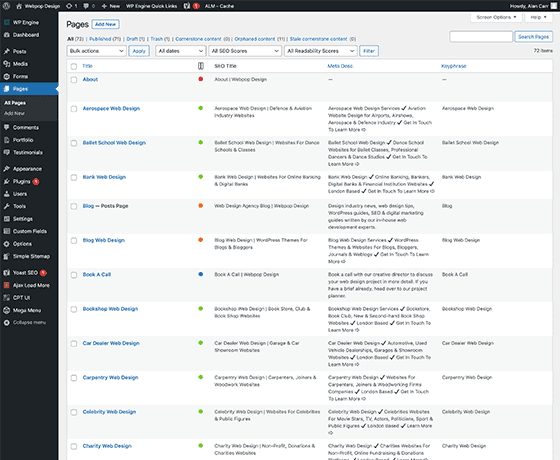

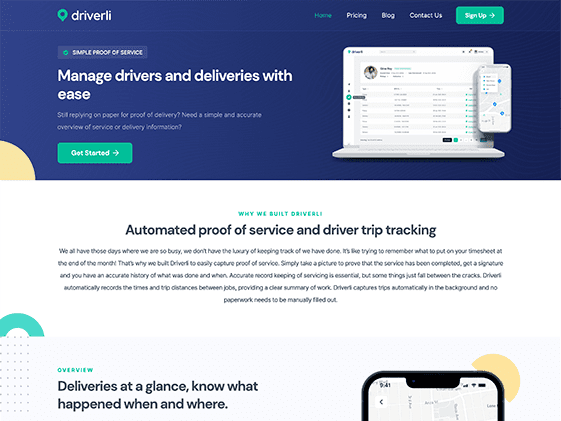
Figma to WordPress - Design to CMS Conversion Service.
Figma designs converted into fast, editable WordPress sites that match approved layouts and give your team control after launch.

Pixel-Perfect Pages
Your Figma files are turned into a fast WordPress website that stays true to the approved design. By keeping spacing, typography and hierarchy consistent, the build protects your brand and avoids layout issues that look unprofessional.

Mobile-First Layouts
A responsive WordPress website is built to work properly across desktop, tablet and mobile. By avoiding awkward scrolling, cramped tap areas and layout issues, the site makes it easier for ideal clients to explore your services.

Clear Page Structure
Your website is structured around how ideal clients search, browse and compare providers. That helps prospects find service details, technical information, case studies and credentials without getting lost.

Easy Content Updates
Your team can publish news, update service pages and swap imagery without breaking the layout. The WordPress backend is configured with custom fields and locked permissions, so routine updates stay quick and straightforward.

Consistent Modular Blocks
Your design system is turned into reusable WordPress blocks. That gives your team a faster way to build pages with approved sections. Whether you want a bespoke build, Elementor or WPBakery, the backend is tailored to your workflow.

High Performance
Every page template is built for speed. Clean code and the lightest plugin for each job keep the front end lean and fast on every device. SEO-friendly WordPress code also helps protect your search rankings.

Forms That Convert
Enquiry forms can connect directly to your CRM, sending new leads to your sales team without manual admin. Where useful, multi-step forms and conditional logic are used to improve lead quality and reduce drop-off.

Security Essentials
Your WordPress build is secured with backend hardening, sensible permissions, spam protection and GDPR-aware form handling. This keeps your platform stable and protects the personal data your forms collect.

Handover and Launch Support
Launch is planned and staged to keep disruption low. From final cross-browser testing through to going live, our approach to frontend development covers key user journeys, technical checks and handover documentation.
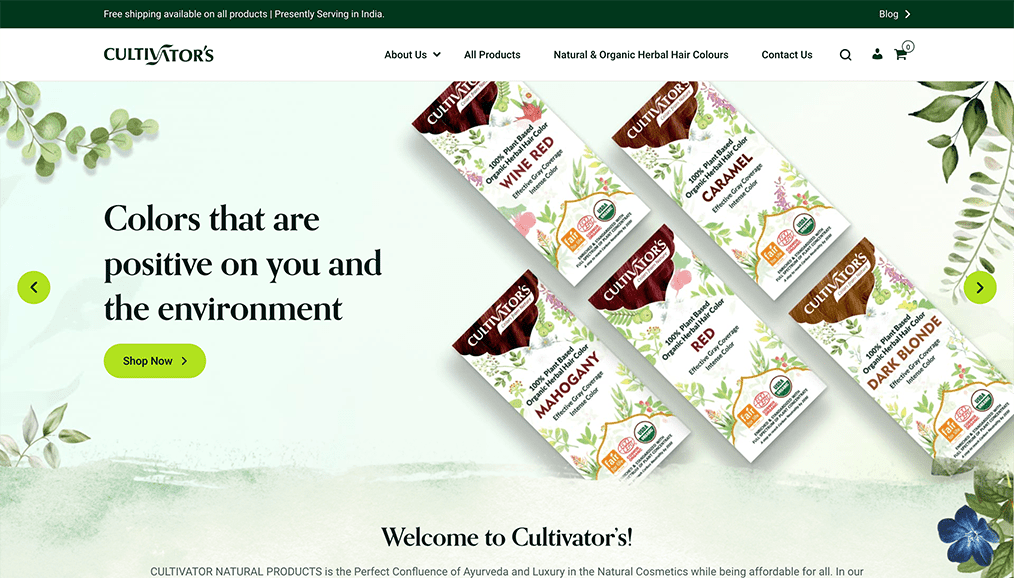

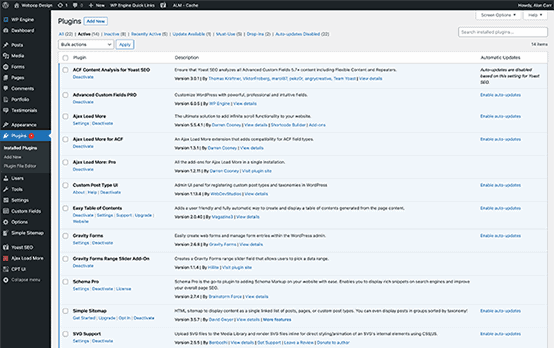

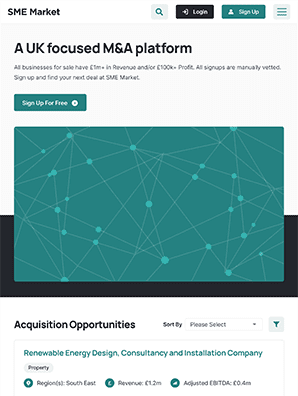
Expert WordPress Builds From Your Figma Designs.
Our team has been building on WordPress since 2008, helping businesses convert Figma to WordPress and turn approved designs into reliable, scalable websites. That experience helps your site reflect your brand accurately and perform well from day one.
The finished WordPress site gives your clients a platform they can trust. Visitors can find information, navigate your services and submit enquiries smoothly, while your internal team can update content without extra admin.
The project begins with a focused review of your Figma files, goals and target audience. From there, your site is built in clear stages, with testing across devices as the work progresses. When everything is ready, the site goes live fully tested, with training and support so your team can take full control of the platform.
Request a Technical ReviewFeatured Figma to WordPress CMS Projects.
Explore recent Figma to WordPress projects that improved usability, strengthened trust and helped our clients win new enquiries.
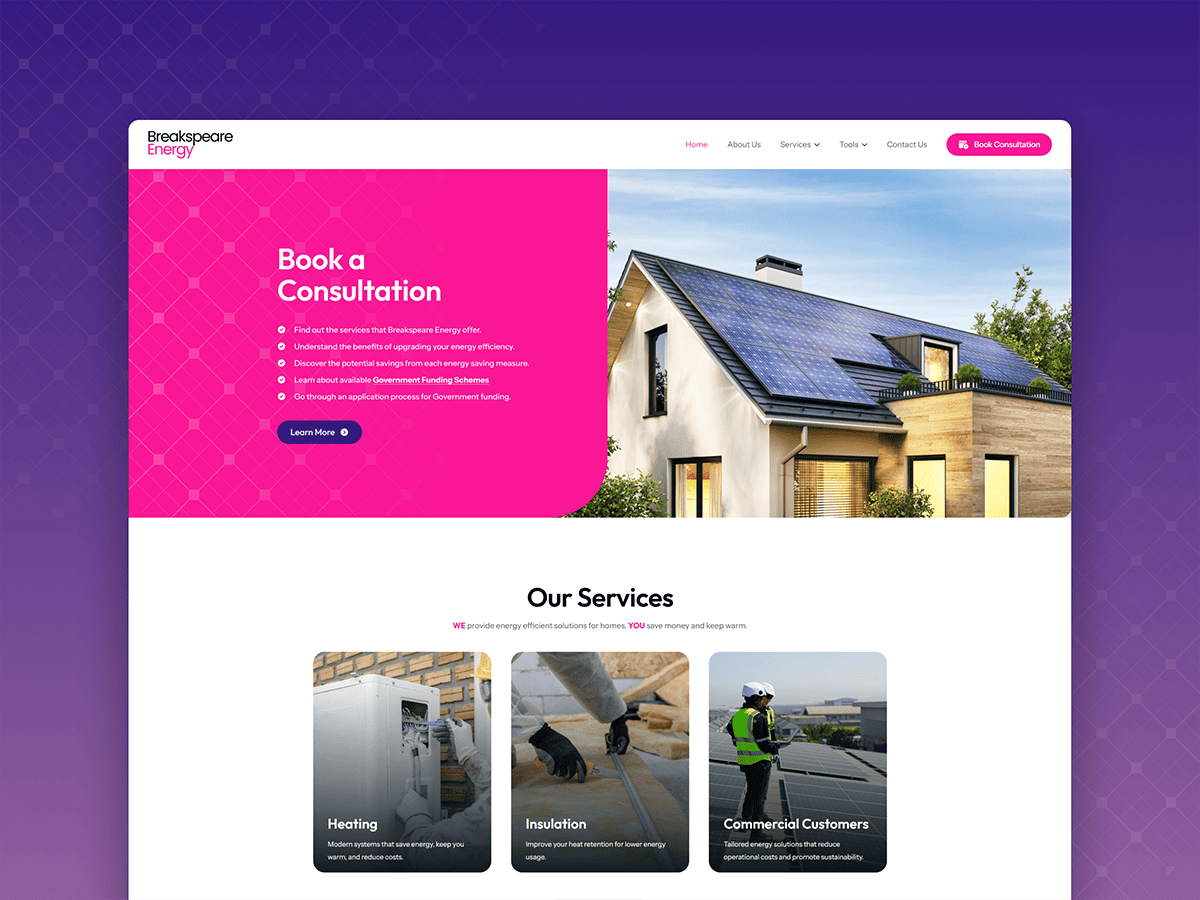
Flexible WordPress Build for an Energy Installation Brand
We built a custom Figma to WordPress site, giving this energy company a flexible modular layout to launch their brand online.
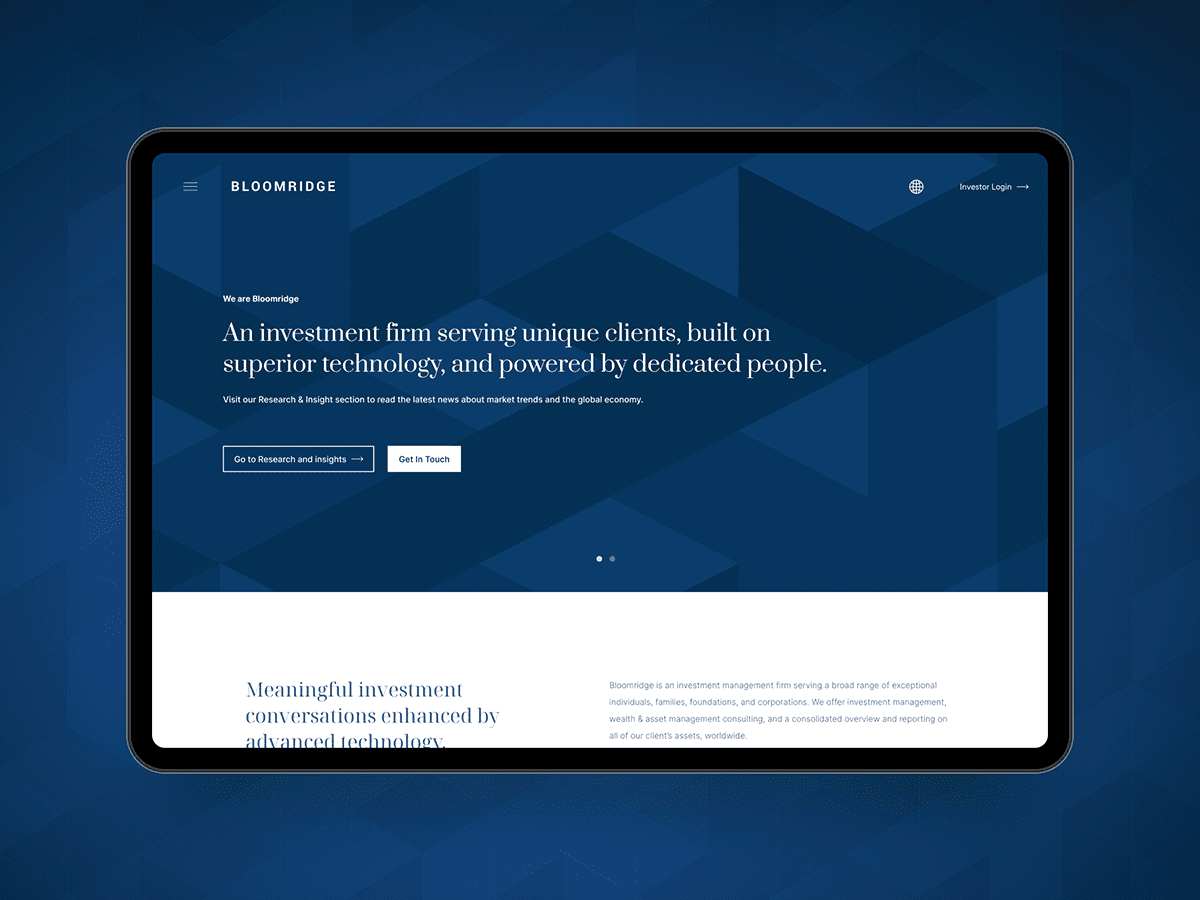
Clean Pixel Perfect Conversion for Finance Website
We delivered a precise Figma to WordPress build for Bloomridge, creating a clean, fast finance website that reflects the approved design and is eas...

Scalable Site and Content Hub for a Marketing Agency
A highly custom Figma to WordPress build with a robust content hub for managing articles, media assets and content updates.

Custom WordPress Build with Streamlined Trade Enquiries
A custom Figma to WordPress build for Chevler, featuring a clean packaging showcase and a streamlined B2B trade enquiry flow.
How We Convert Figma Designs Into a Live Site.
Our process keeps design, development and technical details aligned from Figma review to launch.

Discovery and Scope
The project begins with a review of your Figma files, content and functional requirements to scope the project accurately. This gives you a clear, structured plan, helps define priorities early, and keeps timelines, costs, responsibilities and technical decisions clear throughout the WordPress development workflow.

Core Build
The approved designs are turned into working page templates, starting with a hand-coded Figma to HTML stage that locks in layout, spacing and consistency across key screens before WordPress is added. Coding the front end first keeps the markup lean, so the WordPress site stays true to the design and runs fast once live.

Backend Setup and Optimisation
Custom fields and modular blocks are configured around how your team works, mapping global styling into the theme.json file. The backend is set up to protect the layout while giving your marketing team flexibility to update content, build pages, manage campaigns and keep publishing simple without relying on developers.

Quality Assurance
Before anything goes live, the site is tested thoroughly across modern browsers and devices. Forms and CRM integrations are checked, layouts are reviewed for consistency, and performance is refined before it reaches your audience at launch, so the finished website loads fast, converts well and is ready for the demands of live traffic.

Delivery and Launch
The launch is managed using a structured deployment process designed to avoid last-minute issues and keep everything running smoothly. Once the site is live, your team is walked through the new CMS, key access is handed over, and support is provided for a smooth handover and confident first few weeks.
Turn Your Figma Designs Into Launch-Ready, Accessible Web Pages
Share your design files and deadlines, and we’ll confirm the scope, costs and next steps. If you need a reliable Figma to WordPress service, Webpop Design can build the scalable backend and flexible CMS needed for launch.
Submit Your Figma FilesCredentials & Awards.
Included on recognised web design, website development and digital industry platforms.












Frequently Asked Questions.
Figma to WordPress FAQs for timelines, costs and development options.



How do you convert a Figma design to WordPress?
The process starts by reviewing your Figma share link, page structure and specific functional requirements. If your web design includes responsive breakpoints, they are mapped into the development plan. If not, we recommend how layouts should adapt across devices. Content, imagery and CRM forms are also reviewed early to prevent delays.
What is the expected turnaround time for development?
Most projects take between four and eight weeks, depending on the complexity of your component library, the number of unique templates and how ready your content is. A well-organised corporate site with standardised blocks can move quickly through WordPress theme development. More advanced builds involving custom post types, specialised content layouts or longer review cycles will naturally need more time. Once your Figma files are reviewed, you receive a clear, fixed timeline you can rely on.
How much will it cost to convert Figma to WordPress?
Figma to WordPress builds start from £3,000. Project costs depend on your page templates, frontend animations, required features and the depth of CMS setup your team needs. Building a highly modular, component-based system takes a different level of work than creating more static, single-use layouts. Following the initial technical review, you receive a transparent, fixed-price quote covering the core deliverables alongside any optional enhancements, so costs are clear from day one.
Will the conversion from Figma to WordPress be pixel-perfect?
We always aim for a precise translation, but a flat design behaves differently in a real browser. In some cases, practical adjustments are needed to keep typography, spacing and interactive elements accessible and consistent across different mobile devices. Any necessary layout changes are flagged in advance and explained clearly, so there are no surprises during the staging review.
Will I get a fully editable WordPress website after the build?
Yes. The conversion service is designed to give your marketing team more administrative control. Repeatable block patterns, intuitive custom fields and strict editor permissions are built in to help protect the layout as content changes. That means your team can create new landing pages, manage media and publish updates with confidence, reducing the need to rely on developers for routine website tasks.
What is your design to development workflow for revisions?
The development process is structured around clear staging milestones, allowing your team to review and approve key templates as they are built. Iterative refinements are a normal part of the build phase. If your requirements change and you need entirely new page types or more complex features after the initial sign-off, those are scoped and quoted separately. This keeps the main build on schedule while still giving you room to adapt as the project develops.
What happens during the final design handoff and site launch?
After launch, your business retains complete ownership of the final codebase. The structured handover includes full administrative access, repository transfers and hands-on training for your content managers. Sensible security measures are also configured, so your internal team or any future vendor can take over the platform securely and without technical headaches.
Do you offer SEO-friendly WordPress code and content migration?
Yes, existing pages, media libraries and digital assets can be securely migrated into the new block structure. Because the amount of legacy content varies so much from one business to another, this part of the project is usually scoped and quoted separately. If the new build is replacing a live website, a full 301 redirect strategy is also planned. This helps old URLs point to the right new pages, protects the visibility you have already built up and prevents users from landing on broken pages.
Do you convert Figma to Elementor, WPBakery, or custom HTML?
Yes. A lightweight custom theme is usually preferred, as it gives the cleanest code and fastest front end. Elementor 4 and the latest version of WPBakery are also supported, so if your team already works in one of those, flexible templates can be built for you to manage yourselves.