
 Alan Carr
Choosing the best WordPress hosting is rarely about finding the cheapest monthly price. A good host keeps your website fast, easy to manage and stable when something goes wrong. The weaker ones are where slow pages, poor support, missed backups and avoidable downtime come from.
As a WordPress agency, we’ve worked with most of the well-known hosting providers over the years, both on our own websites and across hundreds of client projects. Some have been excellent. Others have looked good on paper, then fallen apart when support, speed or reliability mattered.
One thing worth saying up front: in our experience the host is rarely the main reason a WordPress site is slow. The sluggish sites we are asked to rescue are usually heavy because of bloated page-builder themes and too many plugins, not because of the server. Good hosting helps, but it will not fix a heavy build.
This guide focuses on five WordPress hosts we’ve personally used and would still consider recommending. Some are premium managed WordPress hosting providers. Others are better suited to smaller budgets or simpler websites. The aim is not to list every host on the market, but to help you choose a realistic option based on your website, budget and tolerance for technical hassle.
Quick Look: Comparing Leading WordPress Hosts
- Real-world reviews – These five WordPress hosts are the only ones we’ve personally used and still recommend to paying clients. No affiliate padding, no filler.
- Performance tested – Each host was tested using the same clean WordPress install, so the speed and uptime results are accurate and fair.
- Support quality – We rated support based on real project experience: how fast they reply, who you talk to, and whether they fix things properly.
- Useful features – Backups, staging, SSL, email, and developer tools. Find out which hosts include what, and whether those features are any good.
- Pricing honesty – Entry-level prices are often low, but renewals can sting. We’ve included what to expect and whether the cost is worth it.
Disclosure: Some links in this article are affiliate links. We may earn a commission if you sign up through them, but we only include hosting providers we have personally used and would be comfortable recommending in the right situation.
Quick WordPress Hosting Comparison
If you want the short version, these are the five WordPress hosts we would still consider for UK business websites. The right choice depends on whether you care most about premium managed support, lower monthly cost, email hosting, ease of use or developer-friendly tools.
| Host | Best For | Starting Point | Staging | Our View | |
|---|---|---|---|---|---|
| WP Engine | Business-critical WordPress websites | Premium managed hosting | No | Yes | Best overall if the website earns money or supports serious enquiries. |
| Kinsta | High-performance managed WordPress hosting | Premium managed hosting | No | Yes | Excellent for performance-focused sites where budget is less of a concern. |
| Cloudways | Sites that have outgrown shared hosting | Managed cloud hosting | Add-on | Yes | A cheaper route to managed cloud performance, a clear step up from budget hosts. |
| Stablepoint | Good-value UK-friendly hosting | Lower-cost cloud hosting | Yes | Check plan | A strong value option if you are comfortable using cPanel. |
| Hostinger | Budget-conscious WordPress users | Low entry price | Yes | Check plan | Good for cheaper projects, but watch renewal pricing and uptime expectations. |
How We Tested These WordPress Hosting Providers
We have only included WordPress hosts we have personally used either for our own websites or client projects. That is why this list is shorter than many hosting roundups. We would rather recommend five providers we know properly than pad the article with hosts we have never relied on in a real project.
To compare performance fairly, we used a clean WordPress installation with the same theme and minimal plugins. We looked at uptime, page loading speed, support quality, ease of use, backup options, SSL, staging, migration tools and pricing. We also considered how suitable each host is for UK businesses, especially where support, data centre choice and real-world reliability matter.
Prices, discounts and renewal terms can change, so always check the current plan details before signing up. Introductory prices are useful, but the renewal cost is often the figure that matters most over the long term.
Managed WordPress Hosting vs Standard WordPress Hosting
Managed WordPress hosting usually means the hosting company takes care of more of the technical work for you. That can include server-level caching, automatic backups, security monitoring, WordPress updates, staging environments, migration tools and support from people who understand WordPress.
Standard shared hosting can still run WordPress, and it is often cheaper. The trade-off is that you may need to handle more of the setup, optimisation, updates and troubleshooting yourself. That is fine for hobby projects or very small websites, but it can become frustrating when your website starts generating leads, sales or regular traffic.
For most business websites, we prefer managed WordPress hosting. It usually costs more, but the extra support, backups, staging and performance features can save a lot of time when something breaks or the website needs to be updated safely.
What UK Businesses Should Look for in WordPress Hosting
If your customers are mainly based in the UK, do not choose hosting on price alone. A cheap overseas server can be perfectly usable, but server location, CDN setup, support hours and the quality of the hosting stack can all affect the experience your visitors get.
- UK or European data centre options: useful if most of your visitors are in the UK or Europe.
- Reliable support: fast live chat or ticket support matters when your website is down or a plugin update causes a problem.
- Daily backups: essential for business websites, especially before updates or content changes.
- Staging: essential in our view. Every update we push for a client goes onto a staging copy first, so anything that breaks breaks there, not on the live site.
- SSL included: this should be standard now, not an expensive extra.
- Email hosting clarity: some premium WordPress hosts do not include email, so you may need Google Workspace, Microsoft 365 or another email service.
- Renewal pricing: check what the plan costs after the introductory period ends.
5 Best WordPress Hosting Providers
The WordPress hosting providers listed below range from low to medium-high budget levels. If your website brings in real revenue, we would lean towards the higher-end services rather than the cheaper options. All of the providers featured here are reliable, but the level of service you get usually reflects what you pay, particularly once support and performance start to matter to the business.
1
WPEngine (www.wpengine.com)
- Uptime: 100%
- Load time: 336 ms
- Support: 24/7 live chat with WordPress development experts
- Features: Automated backups with one click restore, 24/7 live support with WordPress developers, free SSL (https), staging server, automated migration, developer friendly.
- Website: www.wpengine.com
Best for: business-critical WordPress websites, agencies, lead generation sites and companies that need strong managed support.
Not ideal for: very small hobby websites, projects that need bundled email hosting, or users who want the cheapest possible monthly cost.
If you’ve read any of our previous posts on this blog, it will come as no surprise that WPEngine tops our list of recommended WordPress hosting providers. Running a WordPress web design agency, we have worked with countless hosting companies over the years and none have come close to matching the level of service we’ve consistently received from WPEngine.
That said, WPEngine isn’t the right fit for everyone. If you’re an experimental blogger or simply exploring WordPress as a hobby, this provider may not be the most cost-effective option. However, if your website is central to your business and your main source of income, WPEngine is the one we would pick from this list.
WPEngine is an award-winning, managed WordPress hosting provider headquartered in Austin, Texas. Since its founding in 2010, the company has delivered premium hosting services to websites across the globe, with data centres located in the USA, UK, Canada, Australia, Belgium, Germany, and Taiwan.
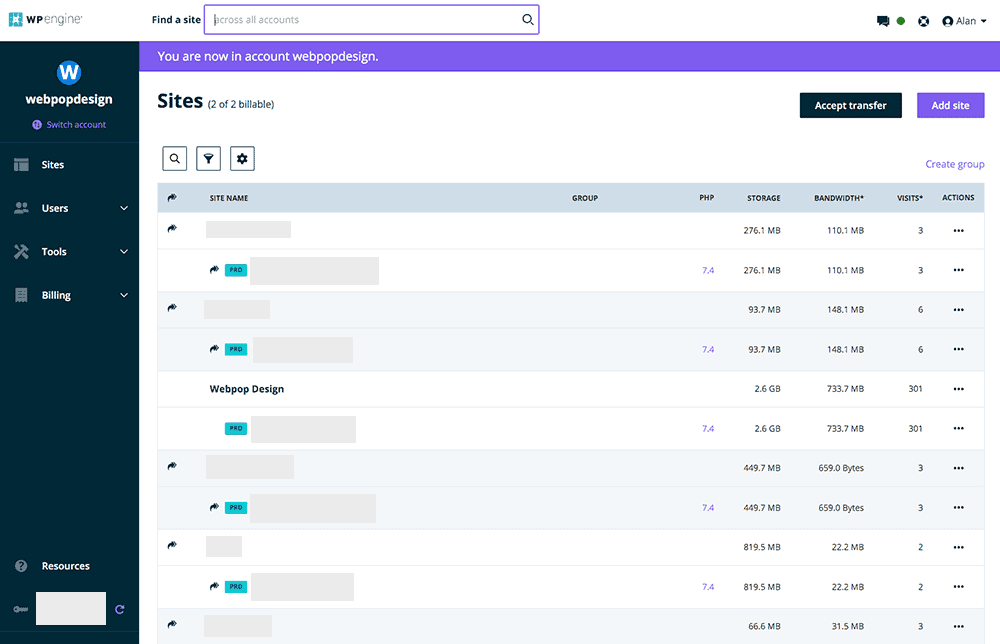
WPEngine is hugely popular among online business owners and bloggers who run WordPress sites. Performance is consistently fast, backups and restores are automated, staging is one click, SSL is included and support runs 24/7. Their support team comprises knowledgeable WordPress developers and server technicians who are on hand to assist whenever an issue arises with your site.
Over the past 12 months, WPEngine reported a 100% uptime score with zero outages and an average page loading speed of 336ms for their shared hosting service. Their platform is built and tuned specifically for WordPress, which is why it was the fastest-loading host on this list and recorded no downtime in our testing.
They are not the most affordable option, but you would not expect them to be at this level of managed hosting. The cost of their Startup hosting plan, suitable for a single website, is £24 per month. That said, they are currently offering a 10% discount on your first month or three months free when you sign up for an annual plan, making it an excellent time to get started.
PROS:
- 100% Uptime and performance
- 24/7 WordPress-specialised support
- Developer-friendly environment
- Automated backups and restore
- One-click install WordPress
- Free SSL certificates
- Genesis framework
- Free StudioPress themes
CONS:
- Email hosting not available
- Some plugins are banned
The banned-plugin lists put some people off, but they rarely cause us problems. Because we build with custom page templates and lean on the smallest plugin that solves the problem, our sites almost never rely on anything WP Engine blocks.
2
Kinsta (www.kinsta.com)
- Uptime: 99.97%
- Load time: 364 ms
- Support: 24/7 live support with WordPress technicians
- Features: Cloud-based WordPress-only hosting, auto-scaling, 20 server locations, automated backups.
- Website: www.kinsta.com
Best for: performance-focused WordPress websites, growing businesses, ecommerce sites and users who want a polished managed hosting dashboard.
Not ideal for: low-budget websites or users who need hosting and email bundled together in one low-cost account.
Another WordPress-specific host offering cloud-based WordPress hosting is Kinsta. Founded in 2008, Kinsta boasts 21 global server locations and places a strong emphasis on website performance and premium support.
Kinsta stands out from most managed WordPress hosts because it runs on the Google Cloud Platform. This means every website hosted on Kinsta runs on the same high-performance infrastructure maintained by Google. Major brands such as Snapchat, Spotify and Coca-Cola run on the same platform.
Kinsta’s feature set is one of the best here. The autoscaling stood out for us, automatically adjusting server resources during traffic spikes so the site stays fast under load.
The rest of the package covers automated backups, a clean dashboard, a wide choice of plans, SSL import, solid support and one-click WordPress deployment, much like WP Engine.
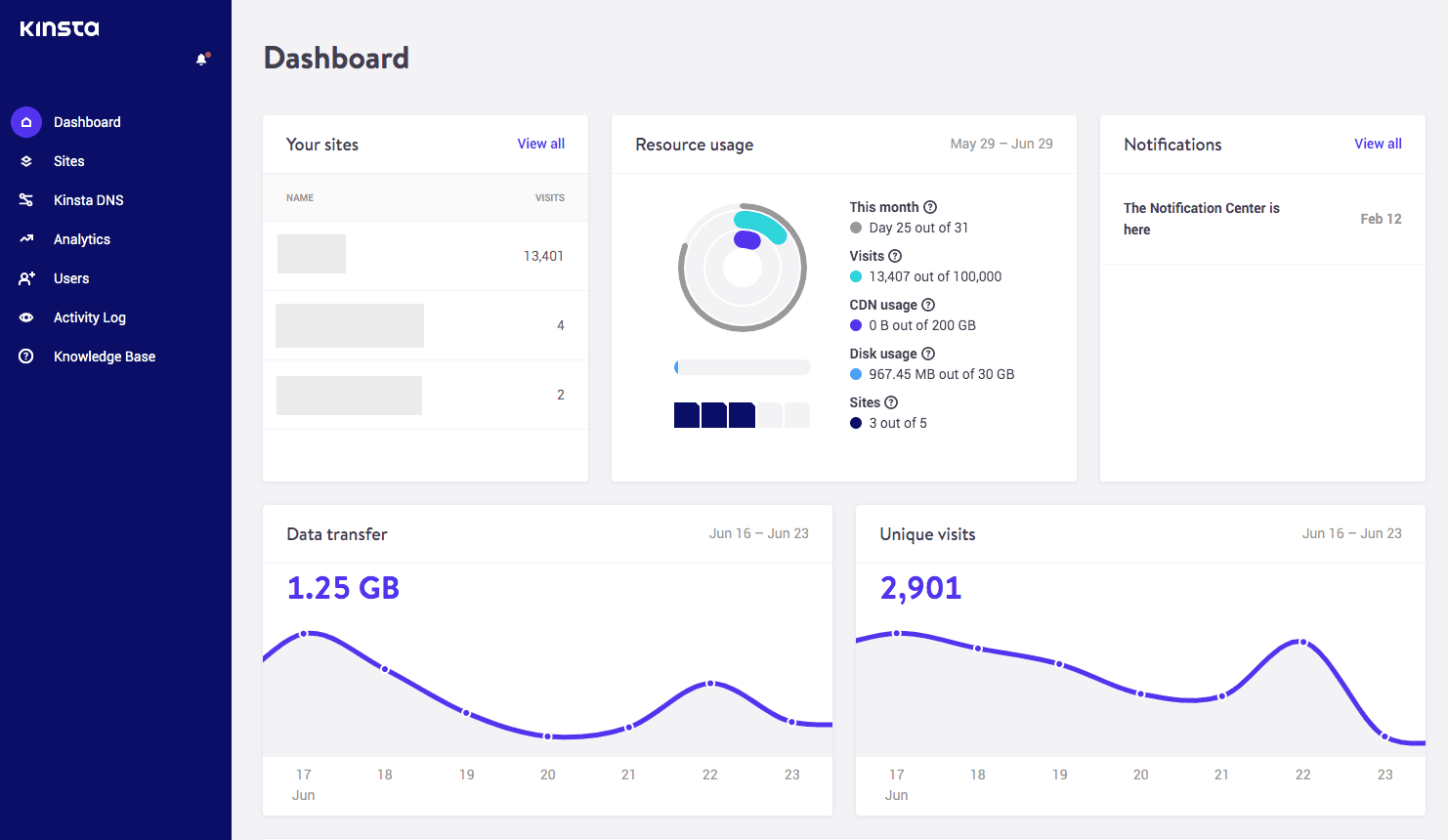
Kinsta offers a 99.9% uptime guarantee, and in our testing over a 12-month period, they delivered on that promise, achieving a 99.97% uptime with only four outages throughout the year. Page speed was good too, averaging 364ms.
Kinsta sits firmly in the premium WordPress hosting bracket. However, websites with lower traffic volumes may find it difficult to justify the $30/£24 monthly cost. This is not a low-budget hosting option. Unfortunately, at the time of writing, there are no special offers currently available from this provider.
PROS:
- High uptime and performance
- Google Cloud Platform-based
- Huge range of VPS plans
- Auto scaling during peak traffic
- Choice of 21 data centres
- Very developer-friendly
- Specialised WordPress support staff
CONS:
- Email hosting not available
- VPS plans only – no shared hosting
- Does not support CRON
- Some plugins are banned
3
Cloudways (www.cloudways.com)
- Uptime: 99.99%
- Load time: 405ms
- Support: 24/7 live chat and ticket support
- Features: Managed cloud hosting, choice of cloud provider, free SSL (https), staging, free migration, automated backups.
- Website: www.cloudways.com
Best for: growing business sites, agencies and developers who have outgrown shared hosting but do not want to pay premium managed prices.
Not ideal for: total beginners who want one-click simplicity, bundled email and a familiar cPanel, or anyone who wants the hand-holding of WP Engine or Kinsta.
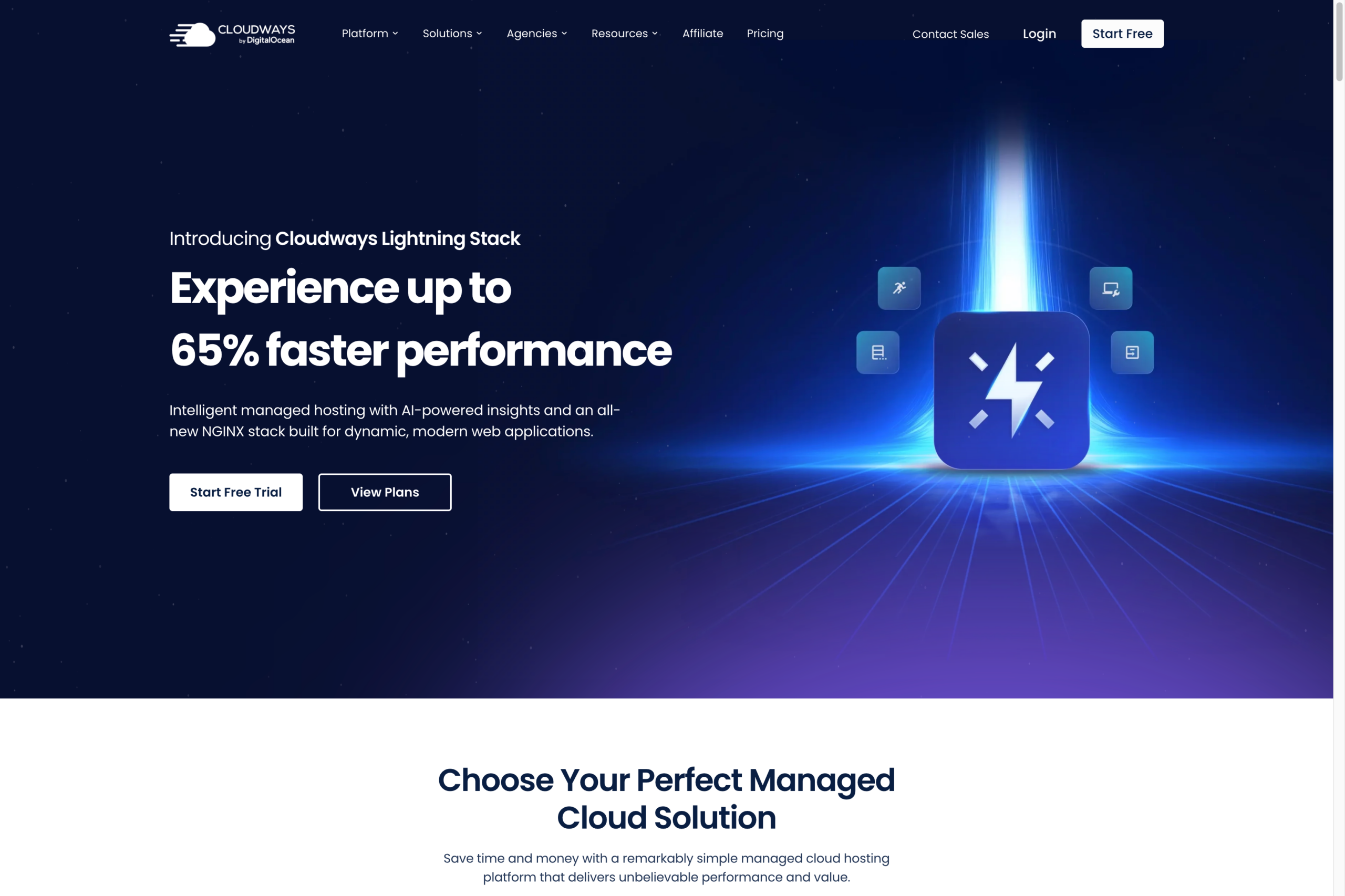
Cloudways sits in the middle of this list, and that is the point. It is a managed cloud hosting platform rather than a host in the traditional sense. Instead of running its own servers, it puts a management layer on top of providers such as DigitalOcean, Vultr, Linode, AWS and Google Cloud, so you choose the underlying infrastructure and Cloudways handles the setup, caching, security and updates.
Founded in Malta and acquired by DigitalOcean in 2022, Cloudways is now closely tied to the DigitalOcean platform, which is the option most people start on. You pick a cloud provider and a server size, and your site is deployed in a few minutes. There is no cPanel and no domain registration, so it feels different to a traditional shared host, but the dashboard is clean and the performance on offer is closer to WP Engine and Kinsta than to budget hosting.
We tested Cloudways for uptime at around 99.99% and average response times near 405ms, which is in line with the managed hosts at the top of this list.
What we like about Cloudways is the pricing model. It is pay-as-you-go, billed for the cloud resources you actually use, with no long contracts and none of the renewal hikes that catch people out on cheaper plans. Every plan includes free SSL, staging, one free migration, daily backups with one-click restore, dedicated firewalls and a built-in caching stack, so you are not nickel-and-dimed for the basics.
It is not the right fit for everyone. Email is not included, so you will need Elastic Email, Rackspace or a service like Google Workspace, and a few extras such as the Cloudflare CDN and premium support are paid add-ons. You also need to be comfortable managing your own WordPress updates, because Cloudways gives you control rather than the fully hands-off service you get from the premium hosts above.
Pricing starts at around $11 per month (roughly £9) for the entry-level DigitalOcean server, which can host more than one site, and scales up as you add resources. There is a 3-day free trial with no card required, so you can test performance on a real server before committing. For a site that has outgrown shared hosting but cannot yet justify WP Engine or Kinsta, it is the best-value option on this list.
PROS:
- Managed cloud performance for less
- Choice of five cloud providers
- Pay-as-you-go, no renewal hikes
- Free SSL, staging and migration
- Host more than one site per server
- 24/7 live chat support
CONS:
- Email hosting not included
- No cPanel
- Some features are paid add-ons
- You manage WordPress updates yourself
4
Stablepoint (www.stablepoint.com)
- Uptime: 99.97%
- Load time: 351ms
- Support: 24/7 live chat
- Features: Unlimited email, 24/7 customer support, free SSL (https), free domain name.
- Website: www.stablepoint.com
Best for: UK businesses that want strong value, included email, generous resources and a more traditional hosting setup.
Not ideal for: users who dislike cPanel or want the fully managed polish of platforms like WP Engine or Kinsta.
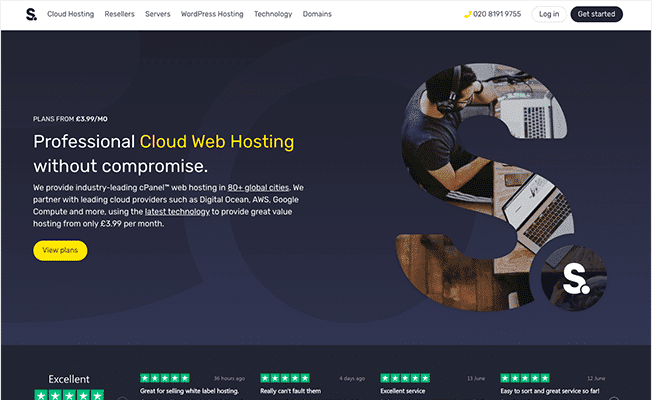
Stablepoint is a WordPress cloud hosting provider, launched in 2018. However, don’t let that fool you into thinking they’re new to the industry. Stablepoint was founded by the team behind TSOHost, VidaHost, and Speedydot, bringing with them over 16 years of experience in web hosting.
The company offers fully managed WordPress cloud hosting built on top of several enterprise-grade cloud platforms. When signing up, you can choose your preferred infrastructure from providers such as DigitalOcean, AWS, Google Cloud, Azure, or Alicloud.
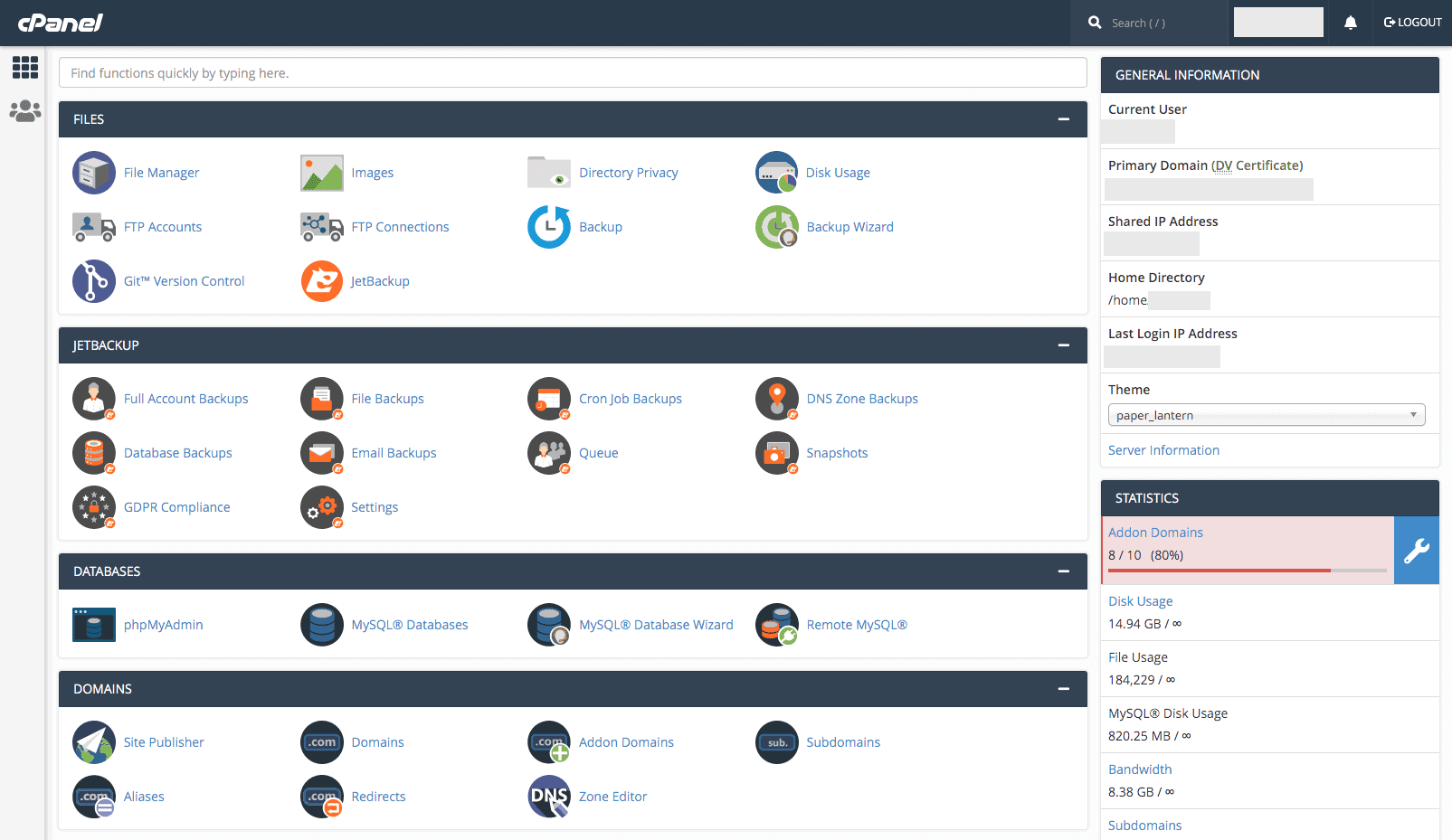
Once you’ve signed up for Stablepoint’s WordPress hosting, your server is provisioned instantly. You can select from 12 global data centre locations across Europe, the USA, Canada, Asia, or Australia. Each hosting account is built on cPanel and includes a one-click installer, a suite of WordPress tools, and advanced security features.
Stablepoint has maintained an impressive performance record over the past 12 months, achieving 99.97% uptime. In our page speed tests they averaged 351ms, which is quick enough for WordPress, WooCommerce and the plugins that tend to come with them.
One feature we’ve particularly appreciated is their UK-based support. They offer live chat directly on the website, and if an issue cannot be resolved immediately, their straightforward escalation ticket system ensures fast follow-up. In our experience, any issues have been resolved within the hour.
WordPress hosting with Stablepoint starts at just £3.99 per month. The Starter plan includes 100GB of disk space, unlimited bandwidth, a free domain name, SSL certificate, and unlimited email addresses, which is a lot for the money.
PROS:
- Free SSL
- Free Domain Name
- Unlimited Email Addresses
- No long contracts
- Free migration
CONS:
- Will need to be comfortable using cPanel
5
Hostinger (www.hostinger.com)
- Uptime: 99.92%
- Load time: 389ms
- Support: 24/7 live chat
- Features: Free email, 24/7 customer support, free SSL (https), free domain name on Premium and Business plans.
- Website: www.Hostinger.com
Best for: budget-conscious WordPress users, smaller sites, starter projects and businesses that want a low entry price.
Not ideal for: larger business websites where premium support, uptime and long-term reliability matter more than price.
Hostinger is a major WordPress hosting company based in Lithuania, serving over 29 million users across 178 countries through its various subsidiaries. With data centres in the USA, Asia and Europe, Hostinger can serve WordPress sites in most regions.
The platform features a substantial library of WordPress tutorials and guides, along with a beginner-friendly website builder, ideal for those just starting out. Hostinger also provides live chat support, though one minor drawback is that it occasionally functions more like a ticketing system, with delayed responses.
While Hostinger is the most affordable provider on this list, its performance is surprisingly strong. With an average page loading speed of 389ms, it ranks among the fastest. However, uptime is somewhat average; during the past 12 months, our test site experienced several outages, resulting in a 99.92% uptime score.
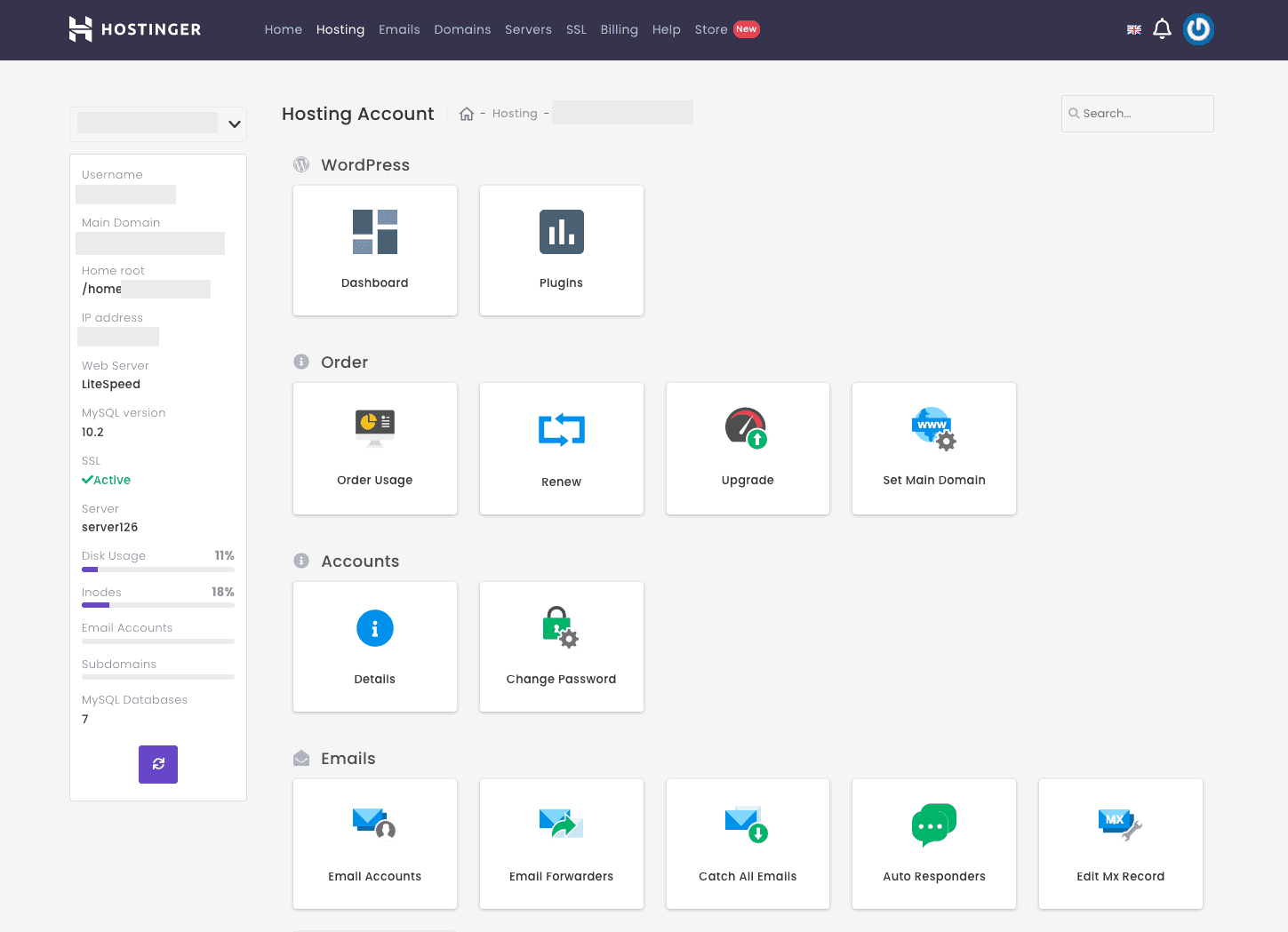
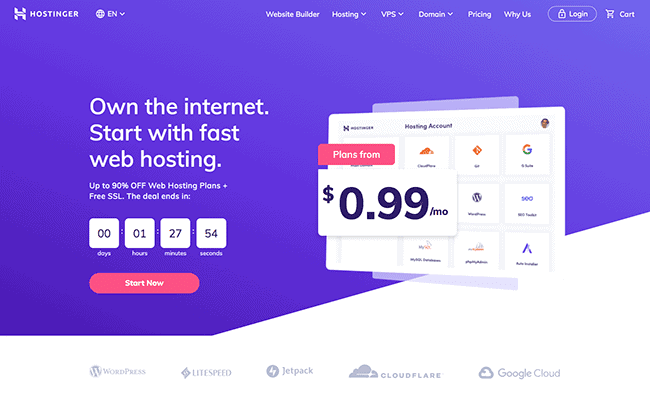
Hostinger’s lowest-priced managed WordPress hosting plan starts at just £1.99 per month, renewing at £5.99 per month. This plan includes 20GB of disk space, unlimited bandwidth, a free domain name, SSL certificate, and up to 100 email accounts. Additionally, if you’re not satisfied with the service, you have 30 days to cancel and request a refund.
PROS:
- Cheap pricing
- Lots of tutorials and guides
- Free Domain Name
- Free SSL
- Free Email
CONS:
- Average uptime
- High renewal fees
Which WordPress Host Should You Choose?
If your website is important to your business, we would start with WP Engine or Kinsta. They cost more, but the support, staging, backups and managed WordPress setup are better suited to websites that generate leads, sales or regular enquiries.
If you want better value and do not mind using cPanel, Stablepoint is a strong middle-ground option. It gives you more traditional hosting features, including email, while still performing well for WordPress.
If budget is the deciding factor, Hostinger is the cheapest option we would consider from this list. It is not the same type of premium managed service as WP Engine or Kinsta, but it can work well for smaller projects.
Cloudways sits in between. If you have outgrown budget hosting but cannot yet justify WP Engine or Kinsta, its managed cloud setup gives you most of the performance for less, as long as you are happy without cPanel or bundled email and do not mind handling your own updates.
WordPress hosting FAQs
What is the best WordPress hosting for UK businesses?
For serious UK business websites, we would usually start by comparing WP Engine, Kinsta and Stablepoint. WP Engine and Kinsta are stronger premium managed options, while Stablepoint can be a better-value choice if you want included email and are comfortable with cPanel.
Is managed WordPress hosting worth it?
Managed WordPress hosting is usually worth it if your website supports your business. The main benefits are better support, backups, staging, security features and a hosting setup built specifically for WordPress. For hobby sites, cheaper shared hosting may be enough.
Do I need UK-based WordPress hosting?
Not always. A good CDN and strong hosting stack can serve UK visitors well even if the company is international. However, UK or European data centre options, sensible support hours and clear data handling can all be useful for UK businesses.
Which WordPress host is best for WooCommerce?
For WooCommerce, we would avoid the cheapest shared plans and choose a host with strong performance, reliable backups, SSL, staging and good technical support. WooCommerce is also harder to cache than a standard brochure site, because carts and checkouts have to stay dynamic, so the server does more real work. WP Engine and Kinsta are stronger candidates than basic entry-level hosting.
Why do some WordPress hosts not include email?
Many premium managed WordPress hosts focus only on website hosting and leave email to dedicated services such as Google Workspace or Microsoft 365. This can be better for reliability, but it does mean you need to budget for email separately.
Should I choose the cheapest WordPress hosting plan?
Only if the website is low risk. Cheap hosting can be fine for small projects, but business websites usually need better support, backups, staging, uptime and performance. The cheapest plan is rarely the best long-term choice if the website generates enquiries or sales.